Lightroom Presets
PM Lightroom
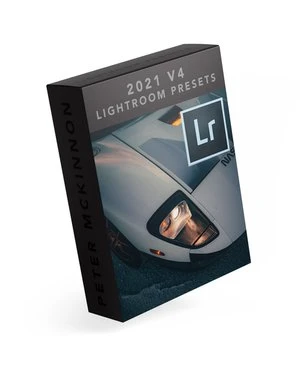
Presets V4 2021
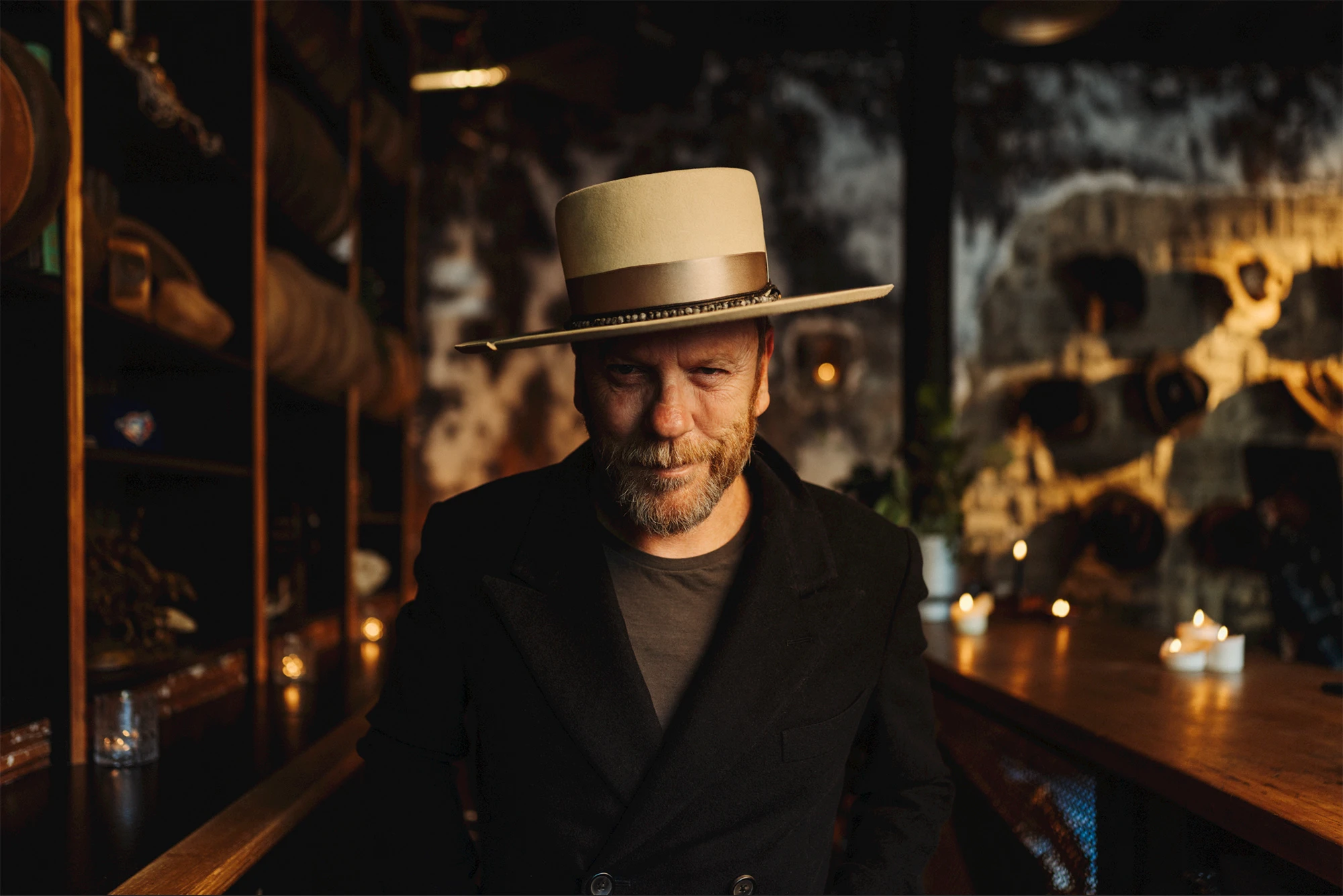
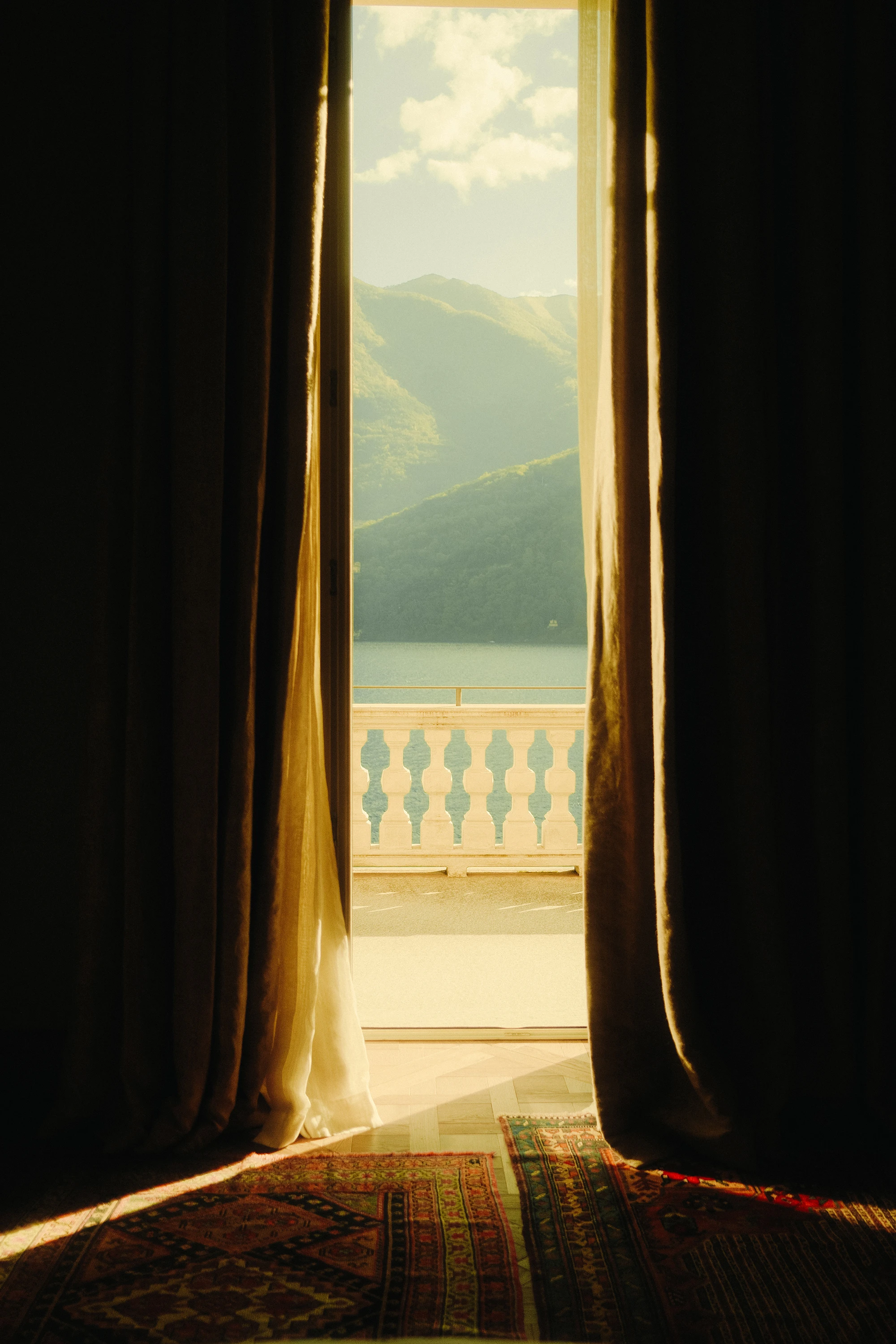
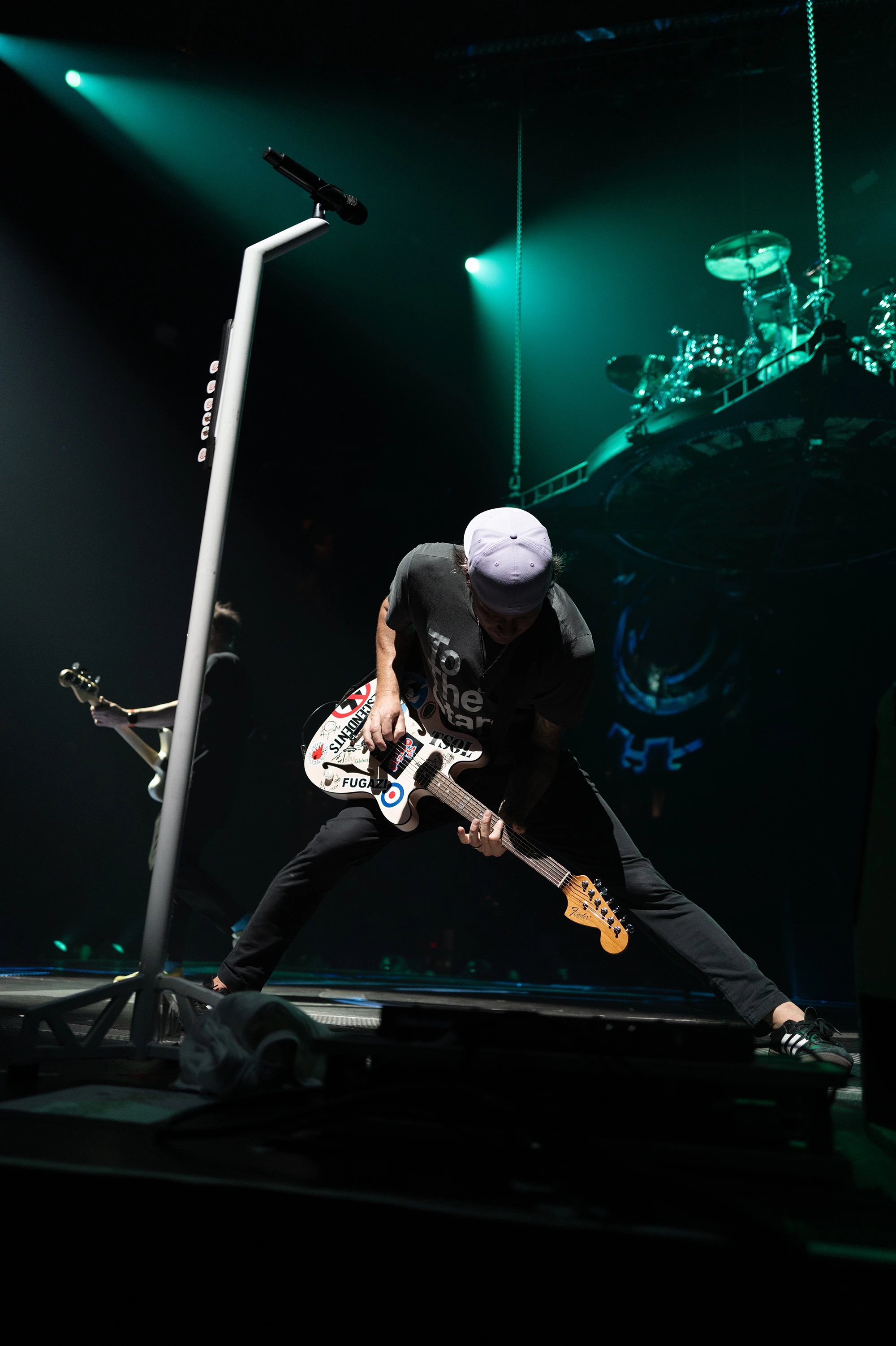
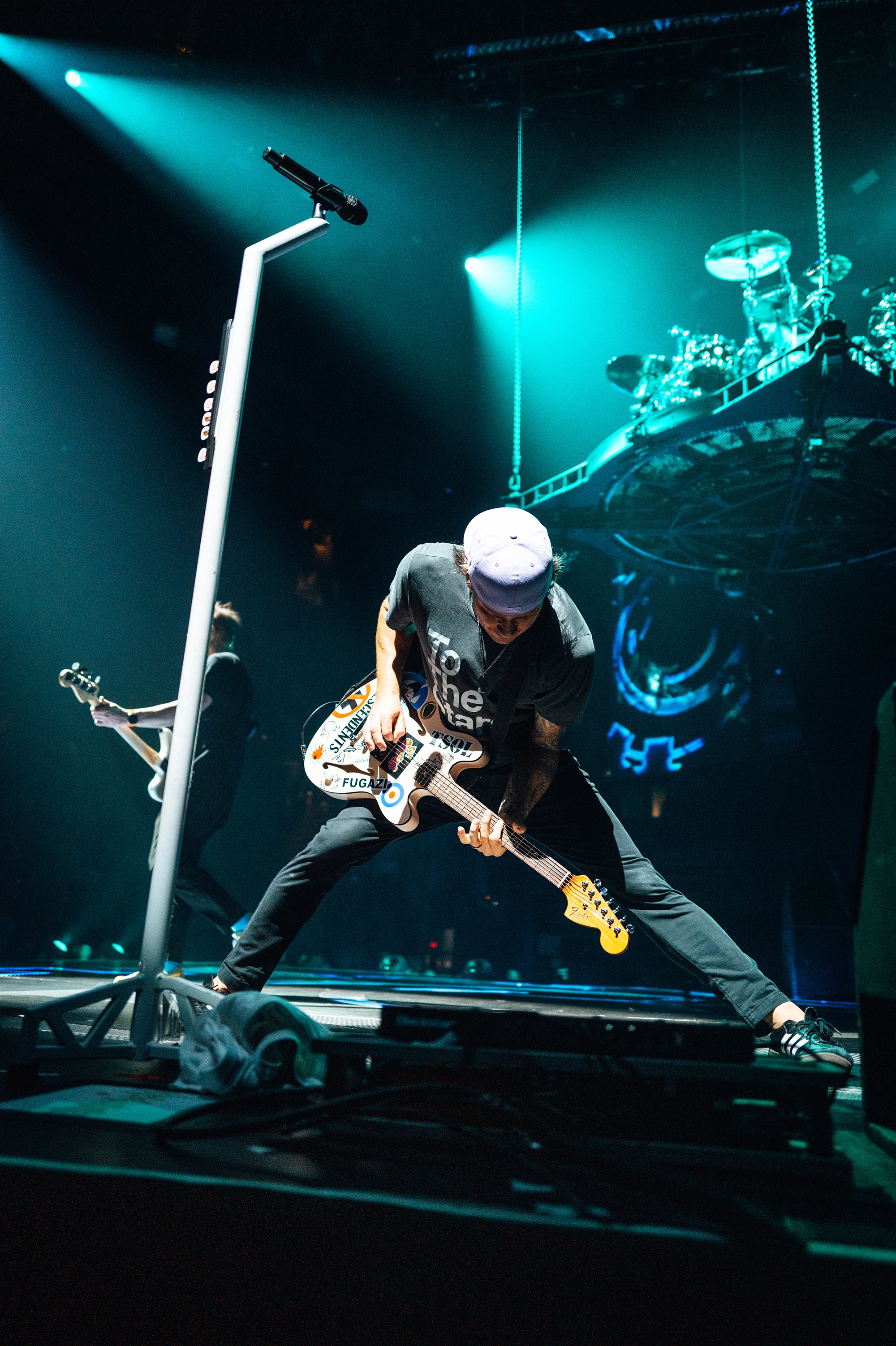
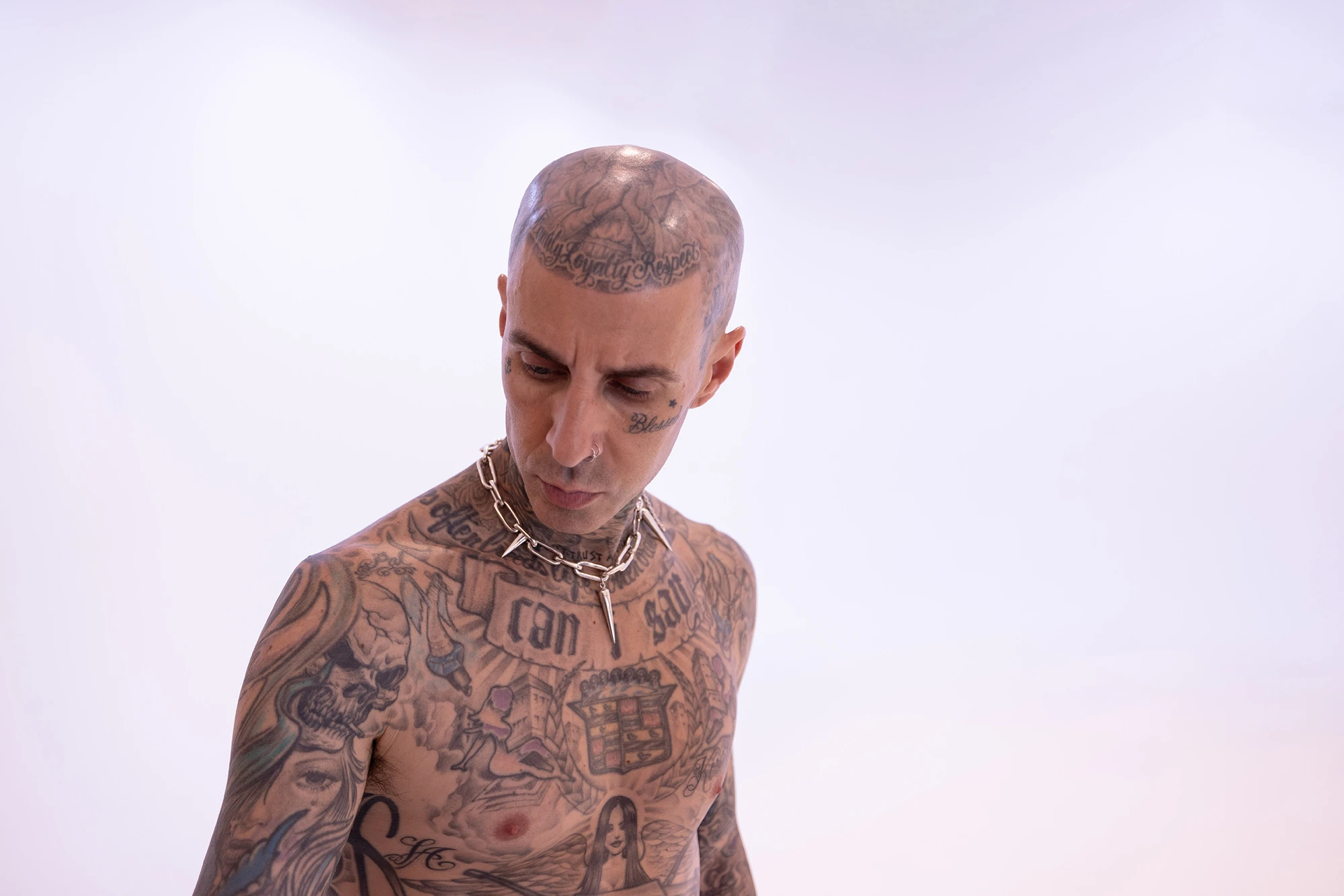
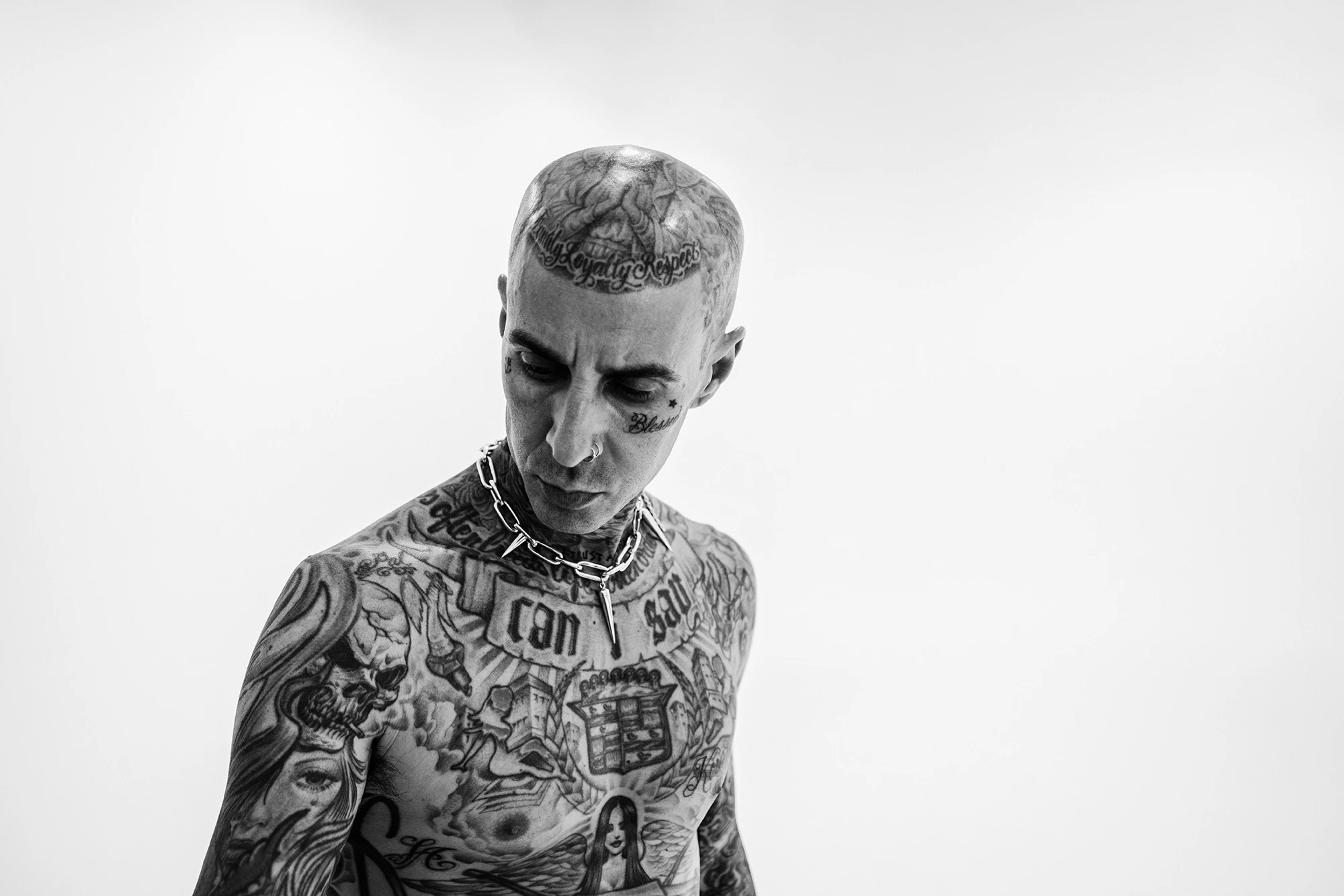
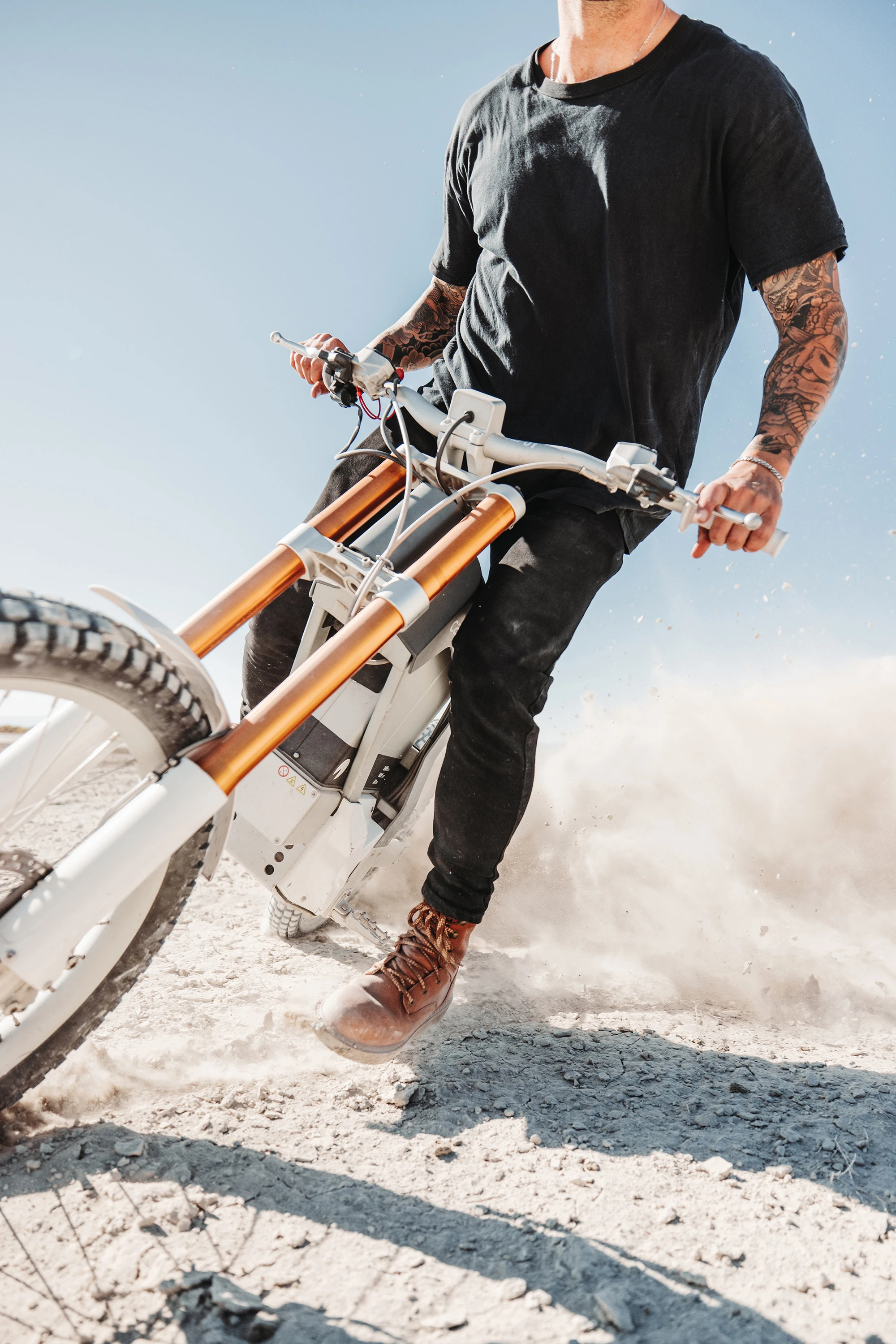
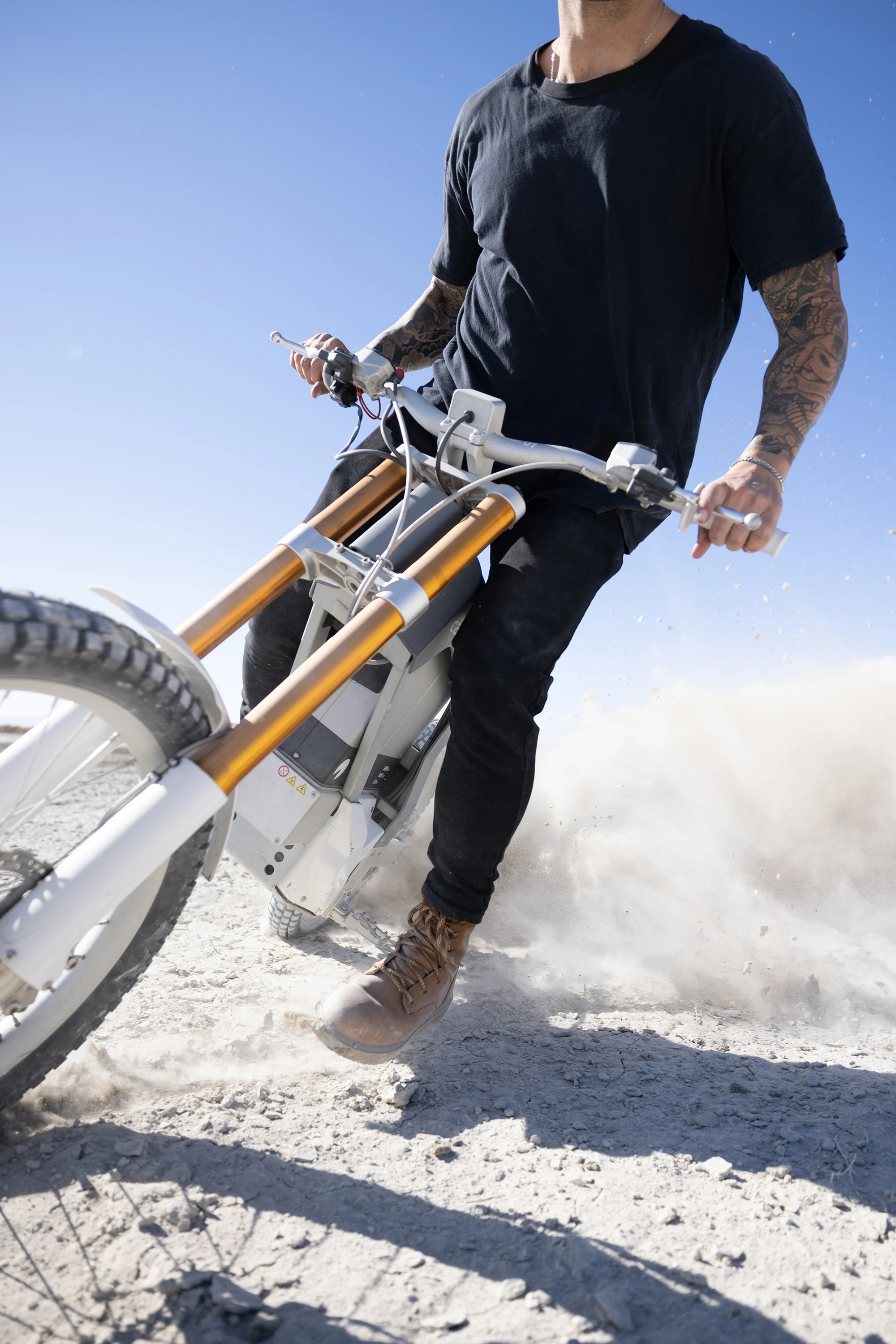
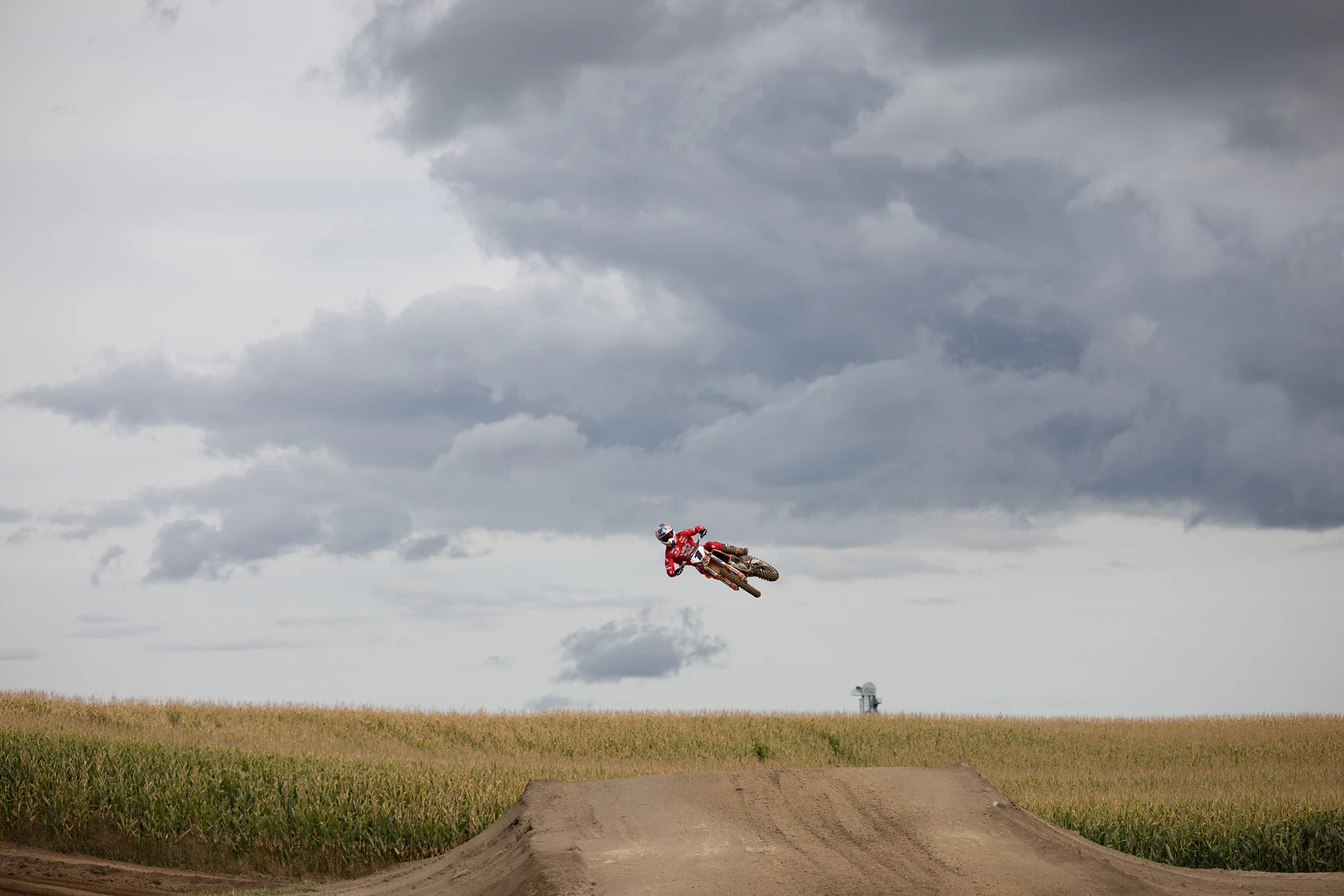
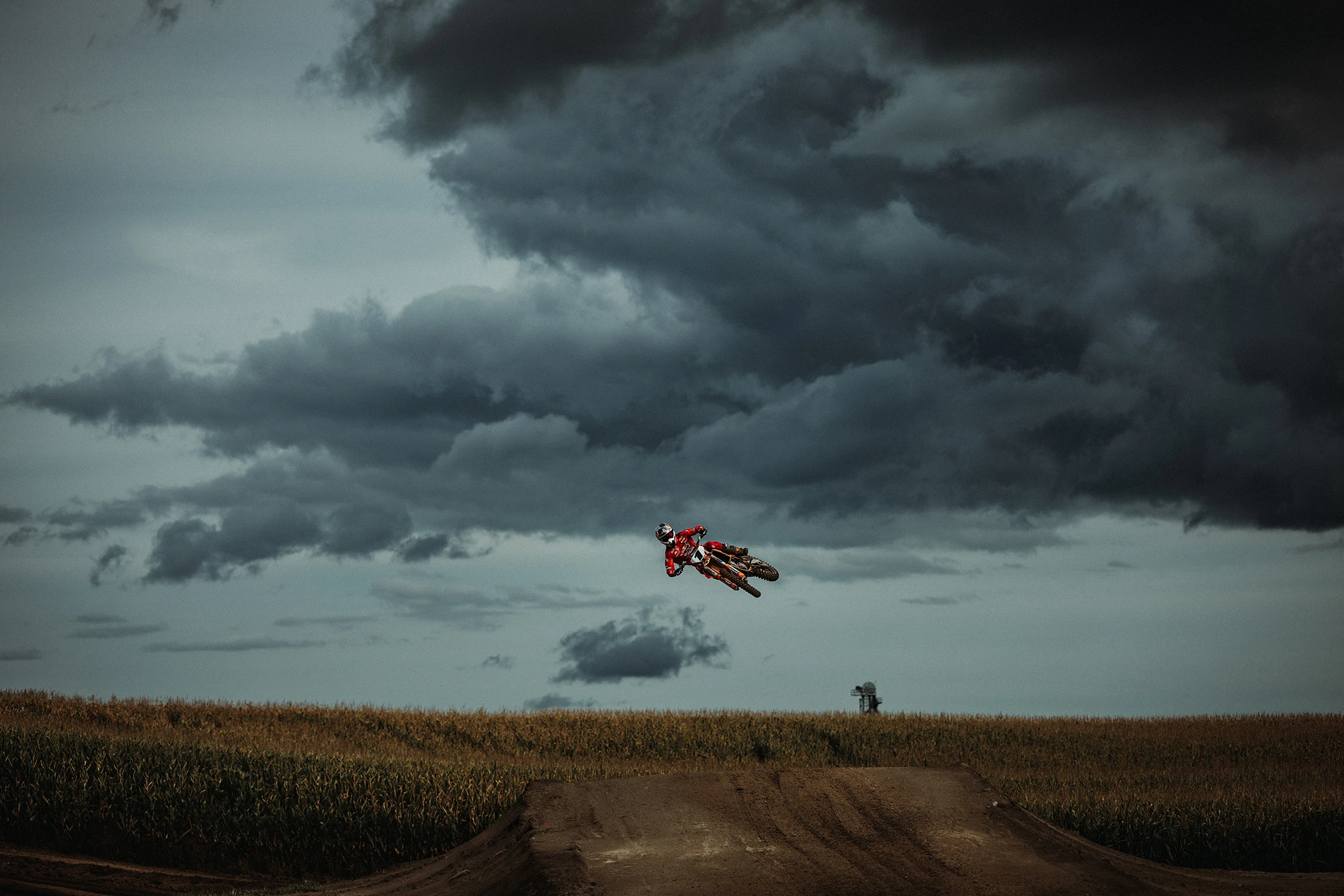
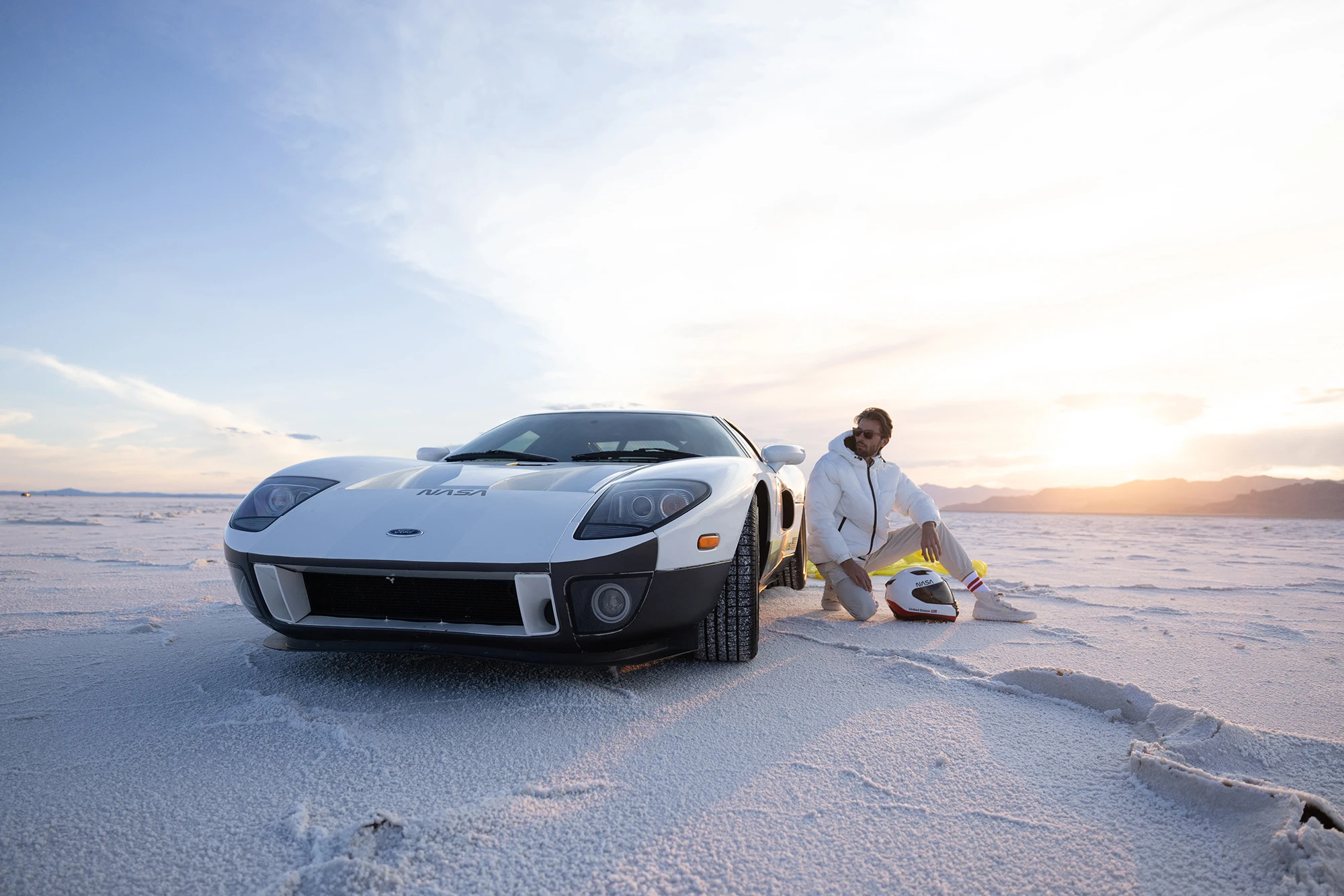
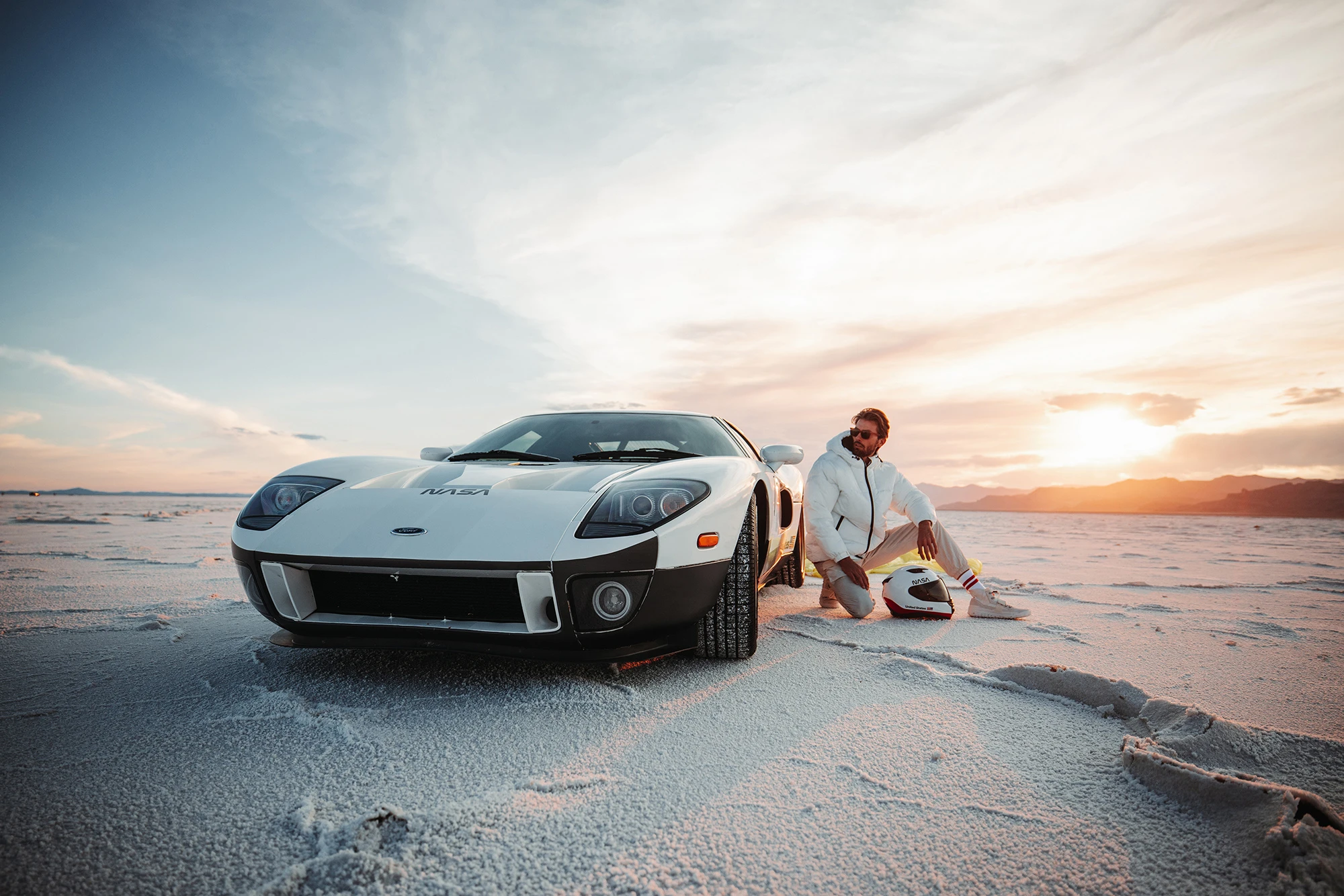
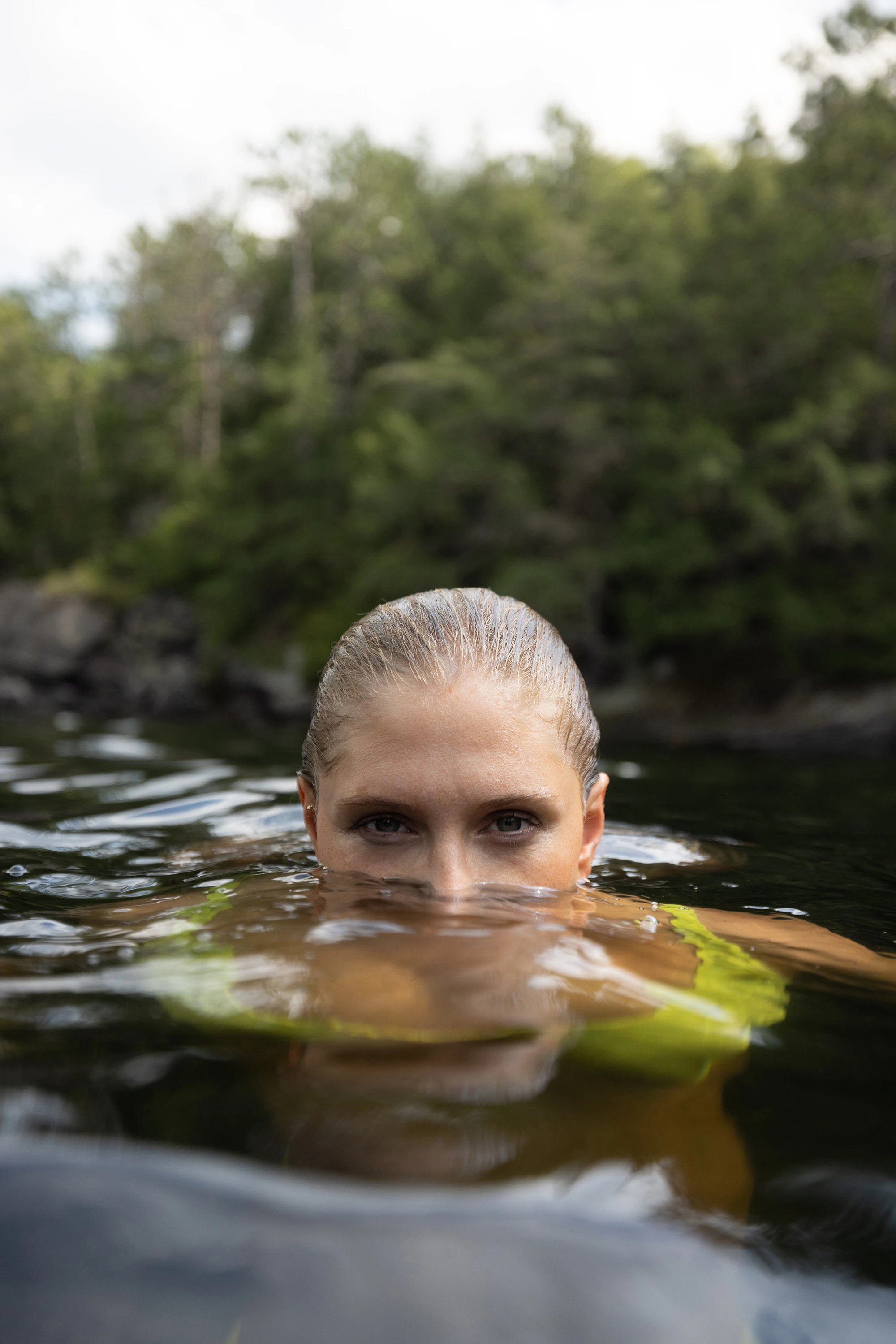
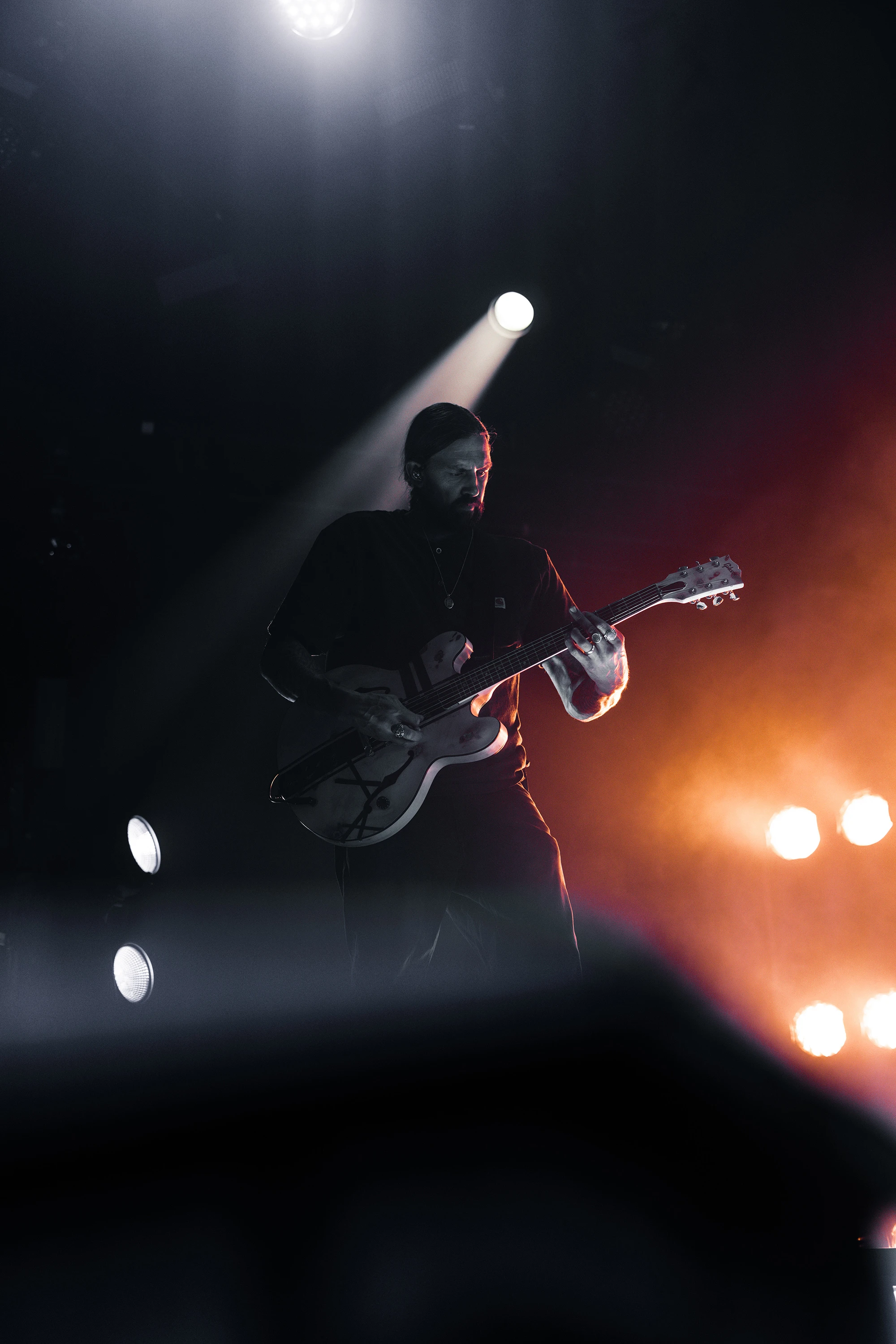
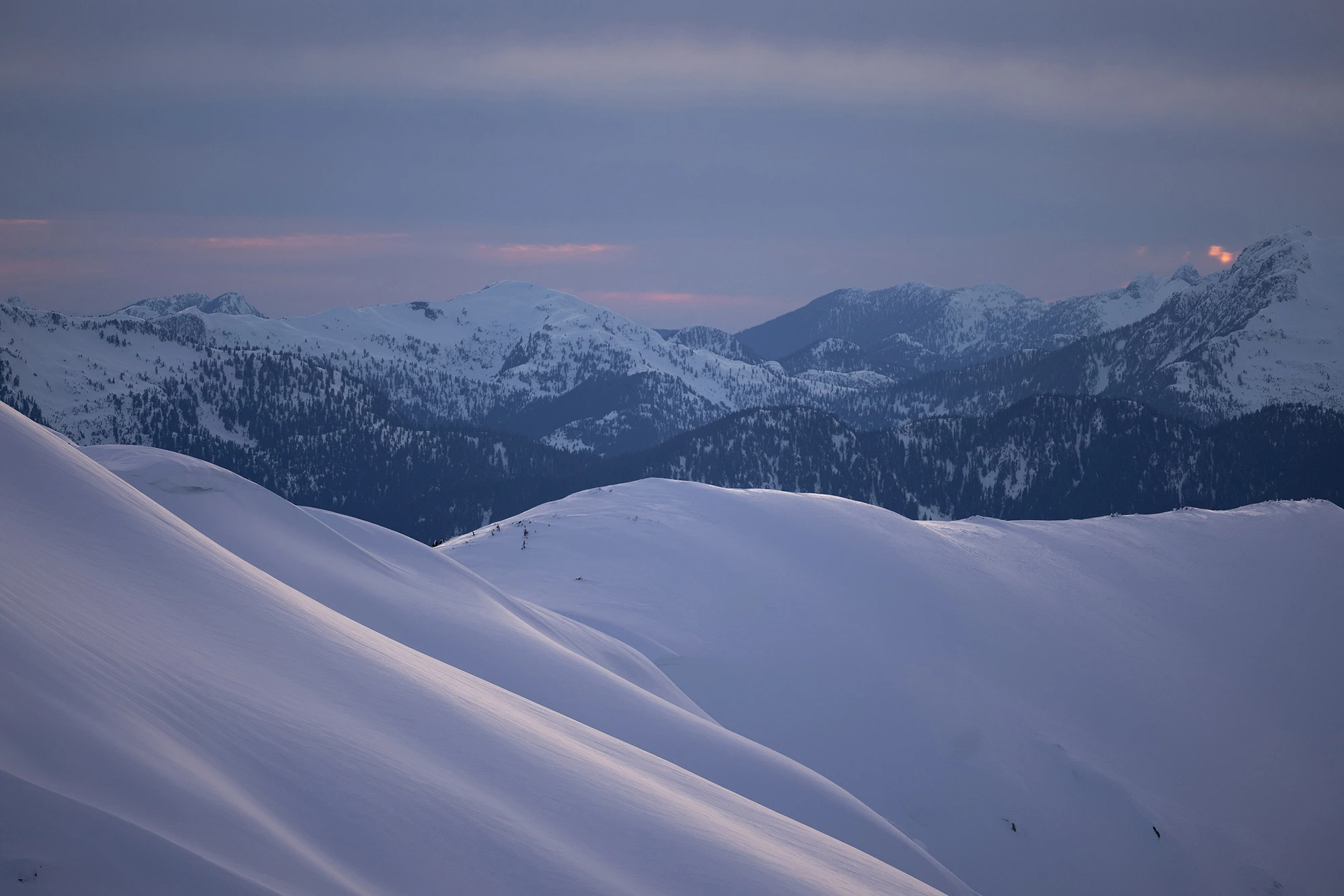
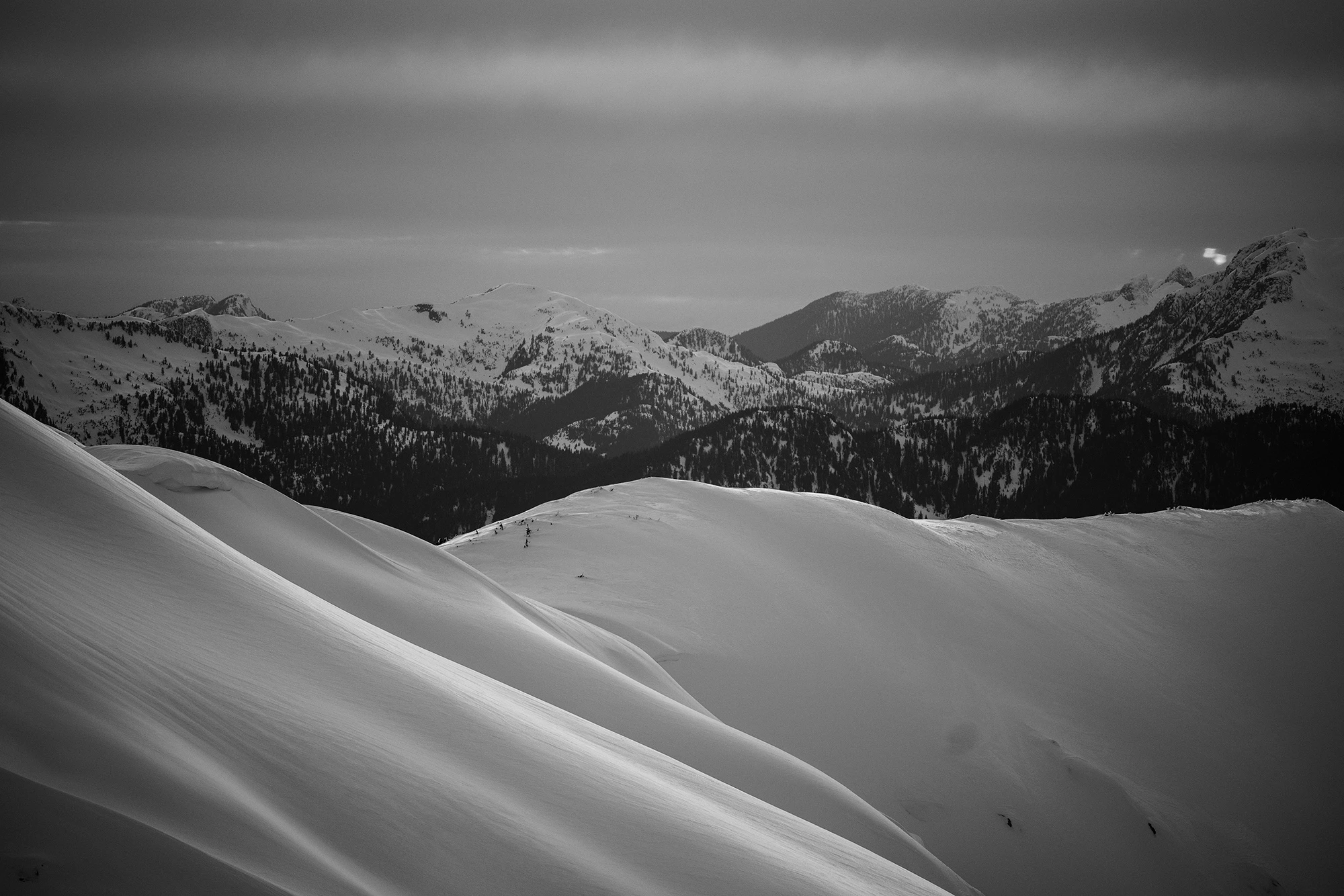
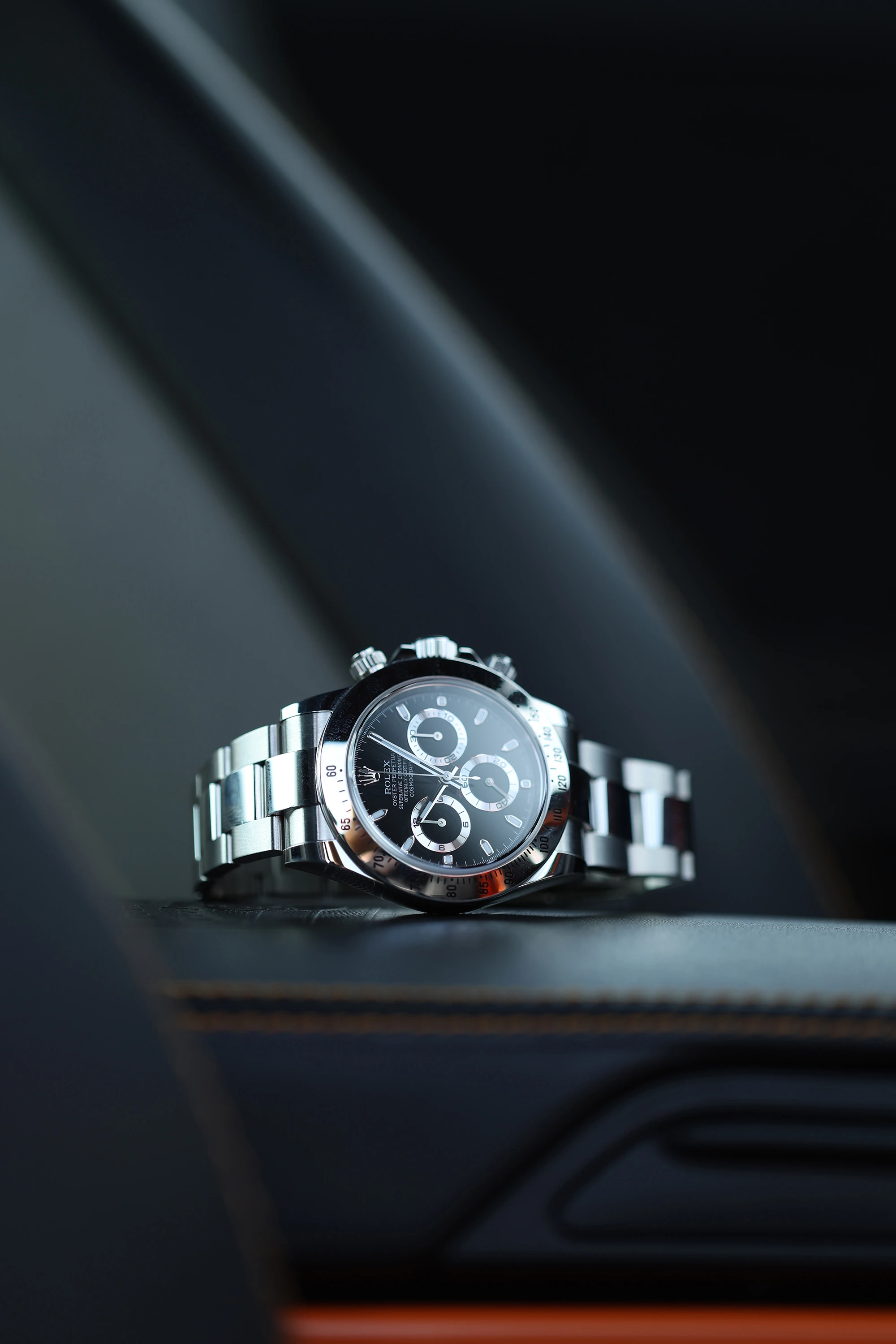
It has been two years since the release of the V3 presets pack. We’re finally back with our highly anticipated V4, pulling huge inspiration from the Pete’s Pirate Life aesthetic.
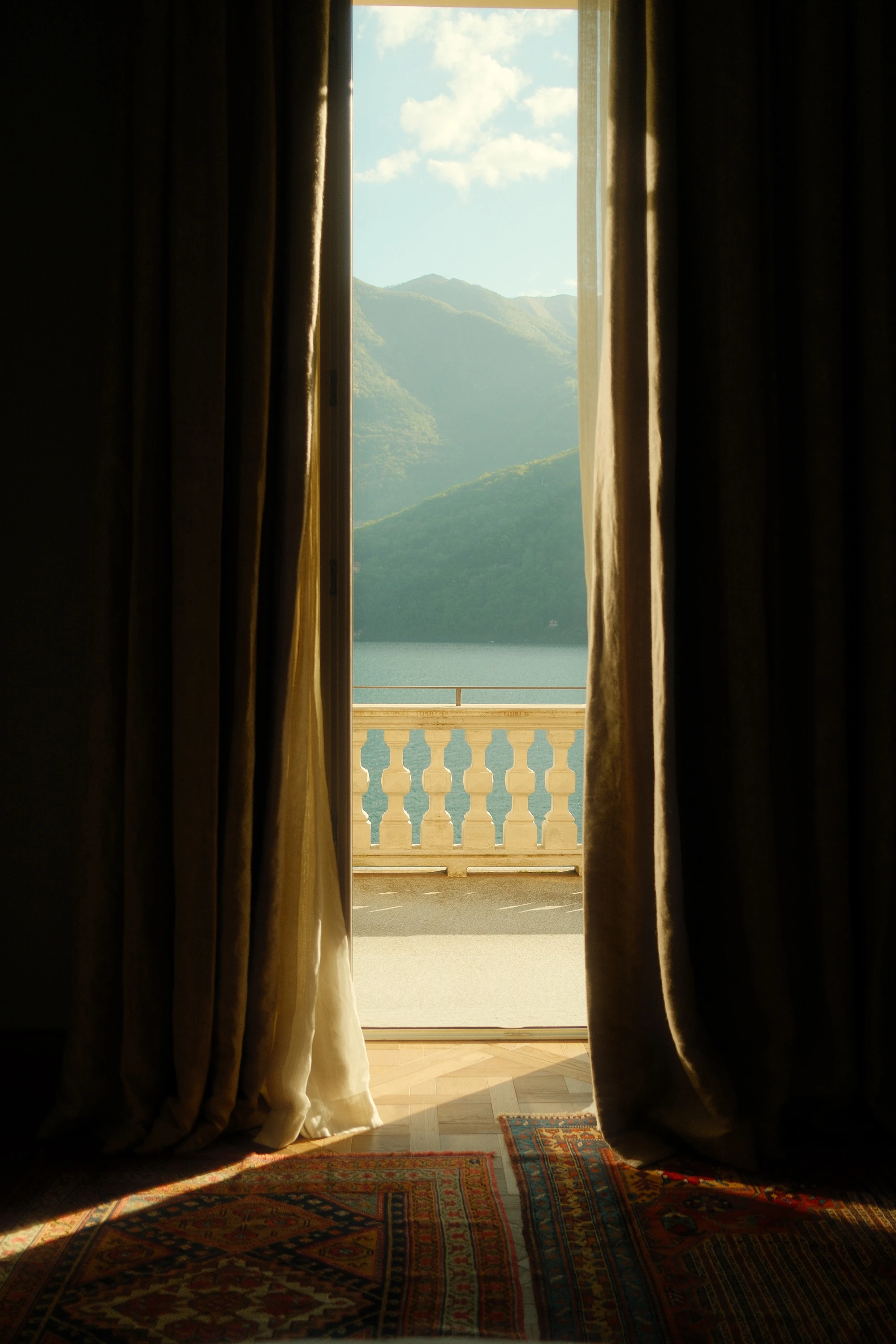
Rich warm tones of Sand Trap or the slight vintage feel of Captain’s Reserve become instant go-tos for the Pete's Pirate Instagram account.
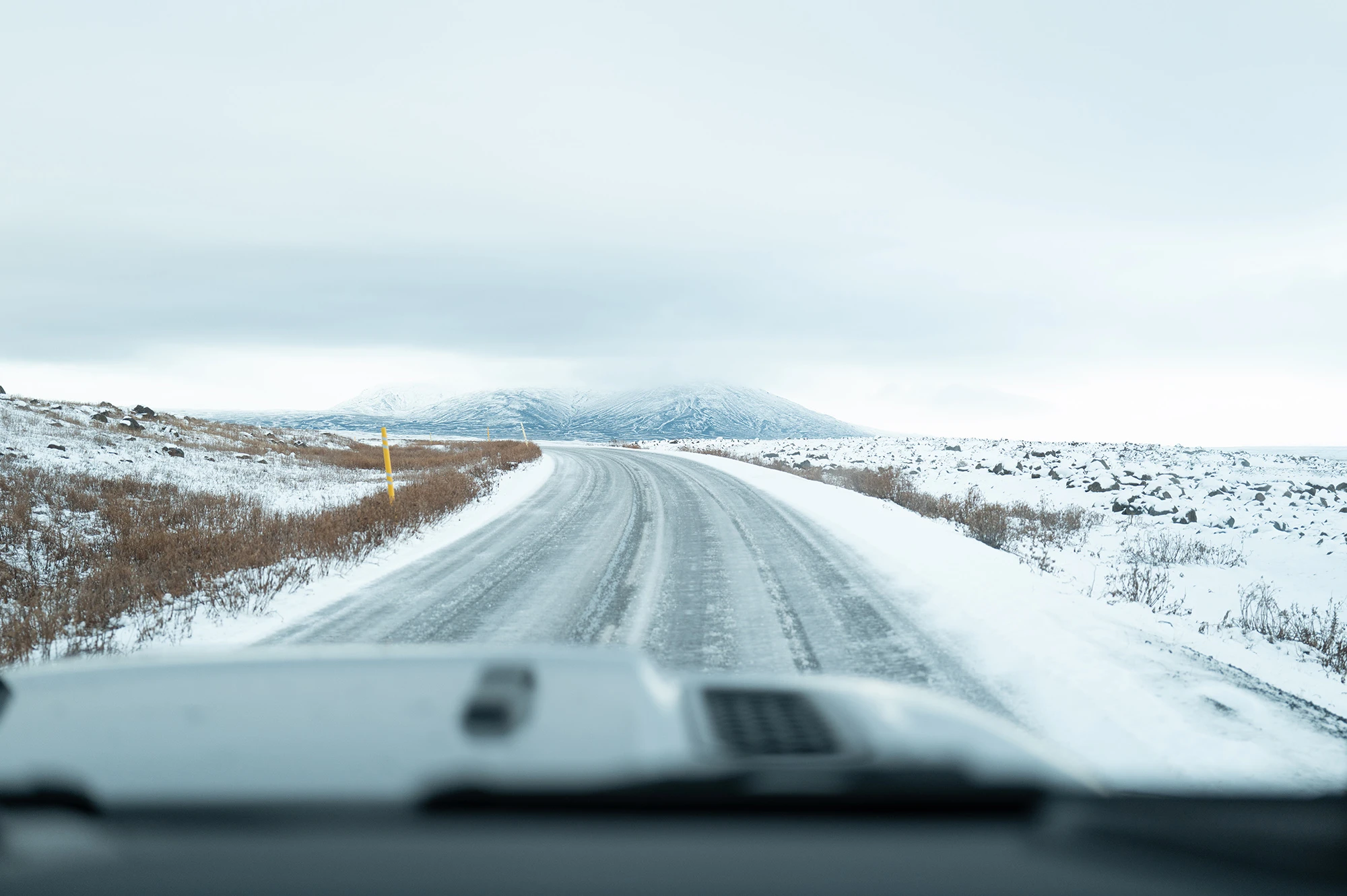
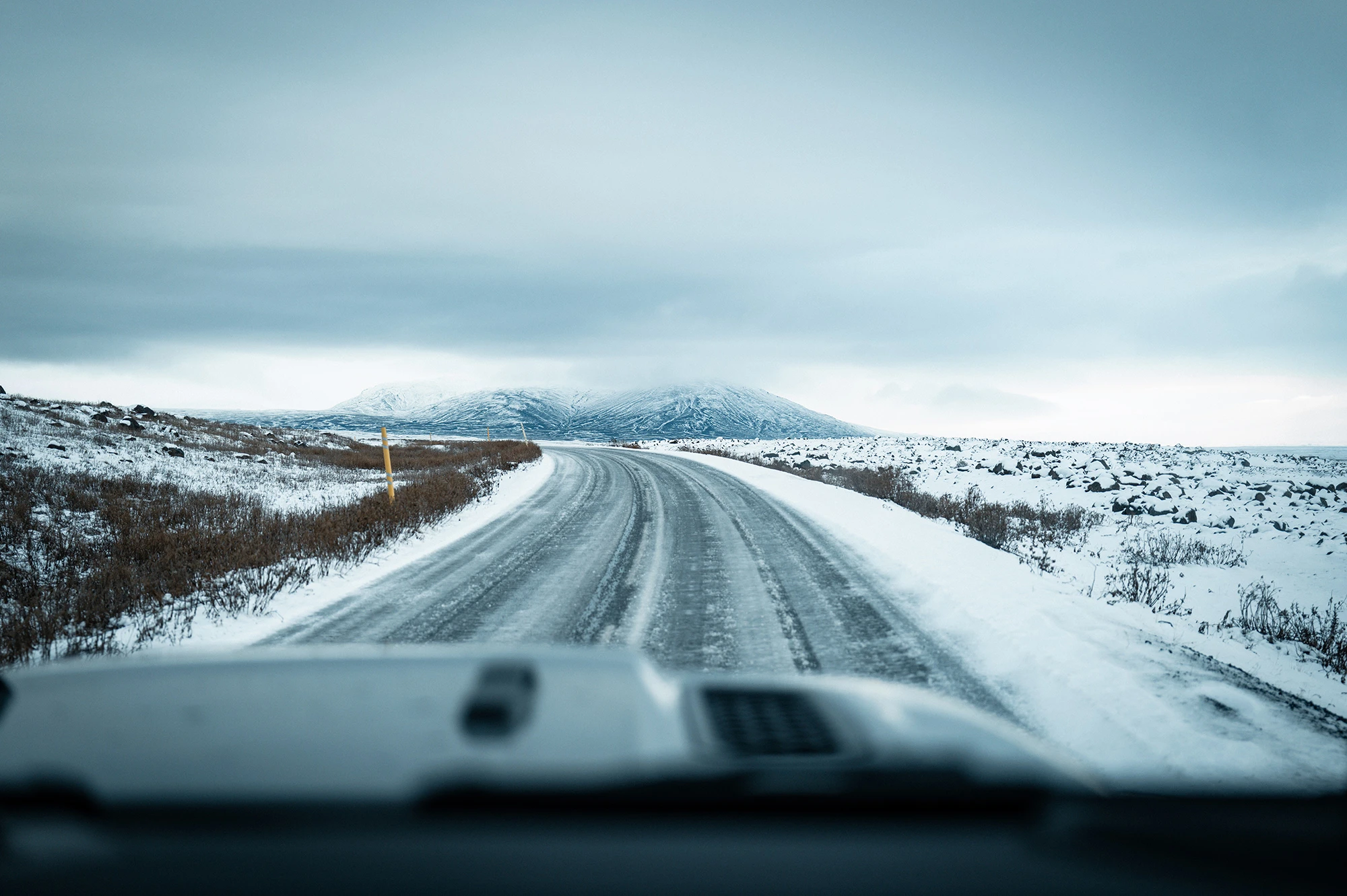
Drift and Red Rum are staples across landscapes and automotive work alike, delivering versatile looks in seconds.
Compatible with Lightroom CC, Lightroom Classic CC, Photoshop CC, and Adobe Camera Raw. Non refundable.
$40
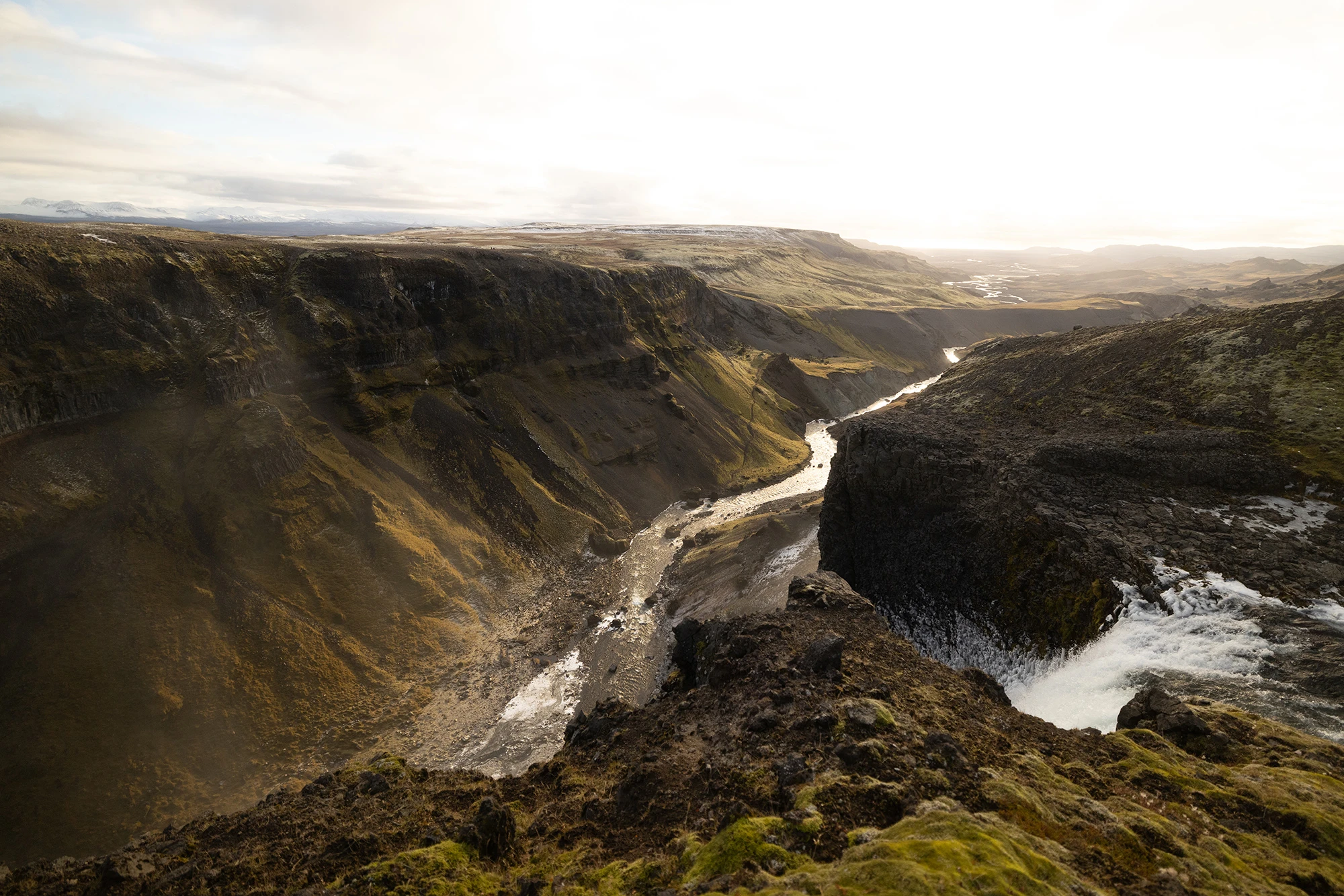
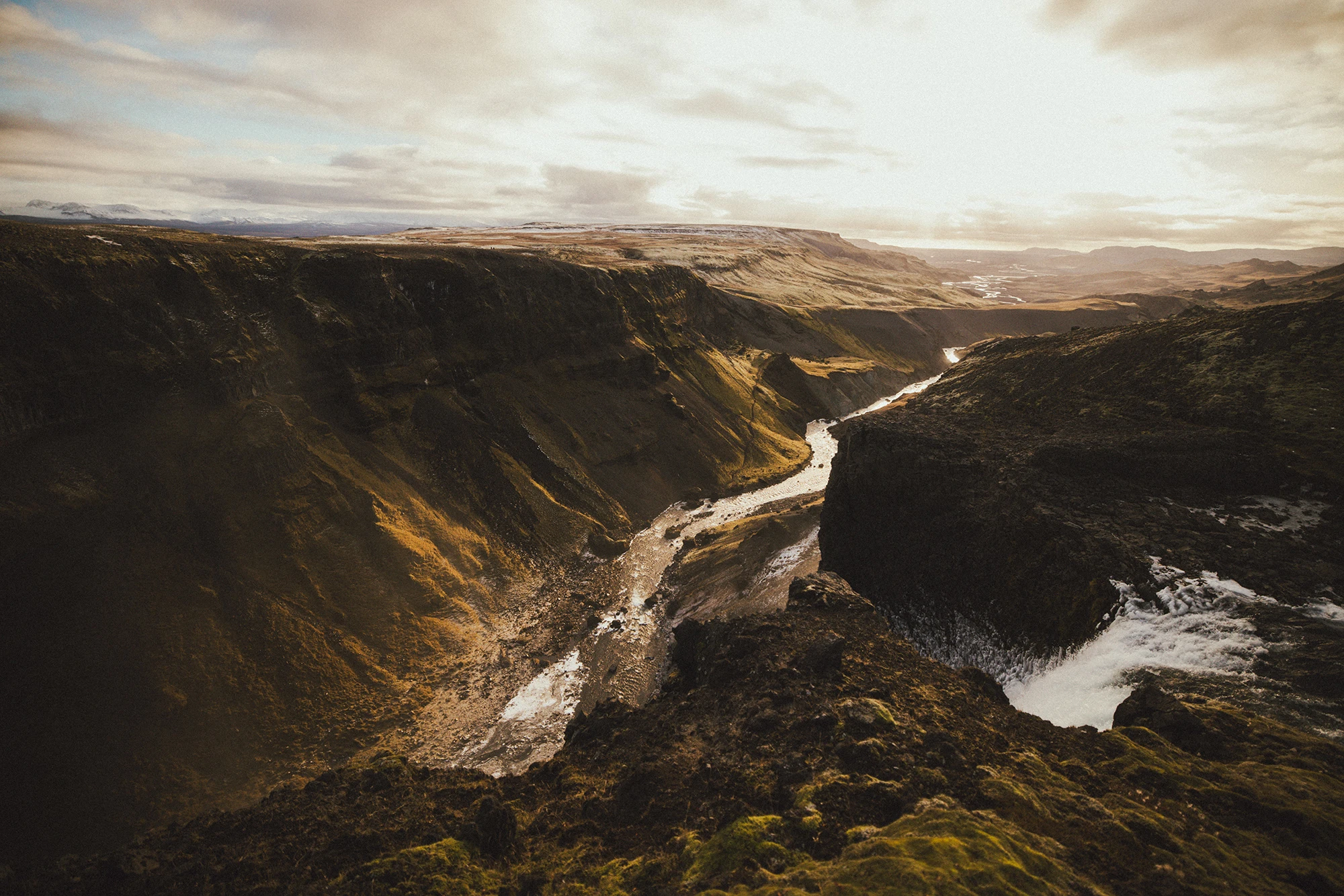
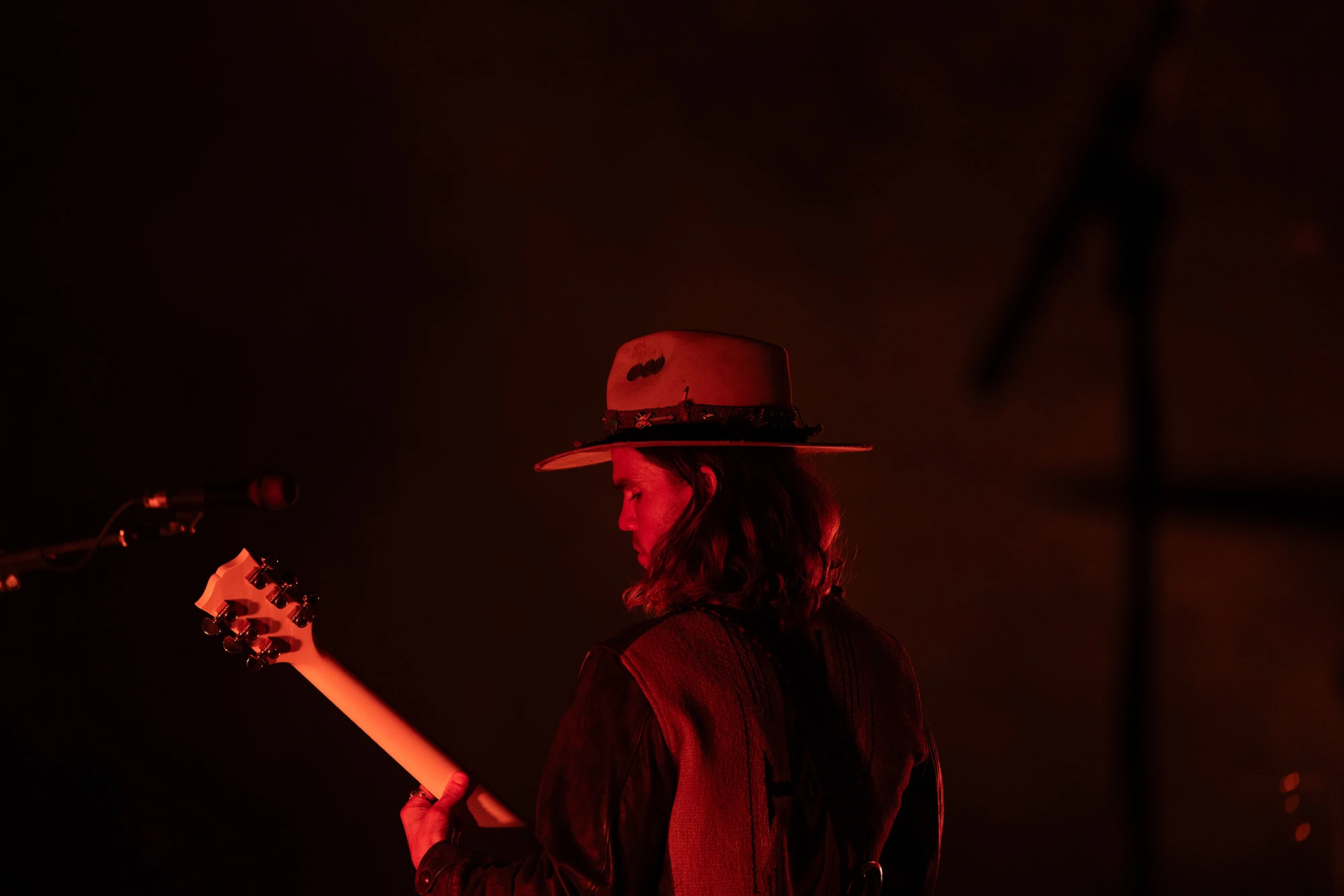
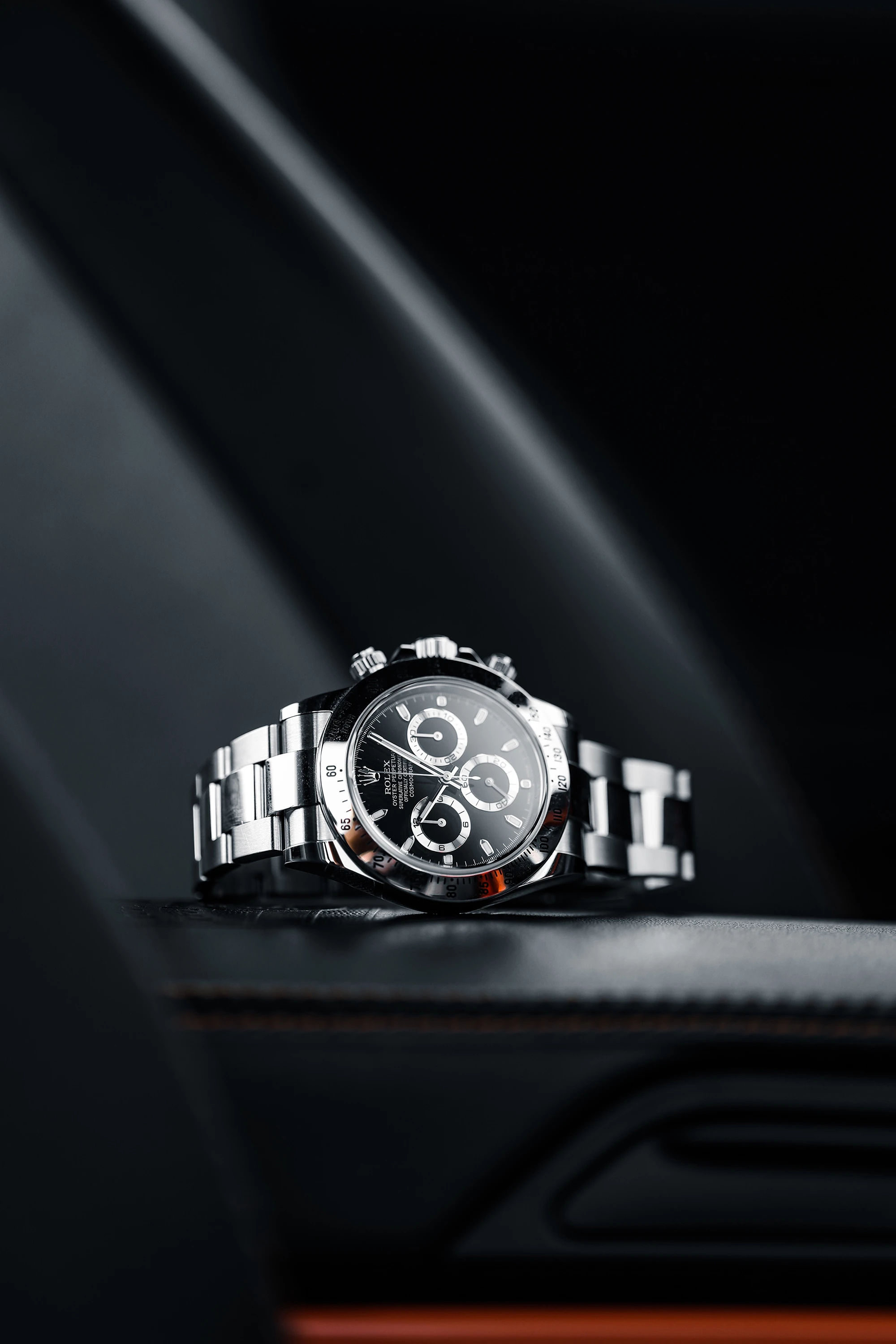
SEE THEM IN ACTION
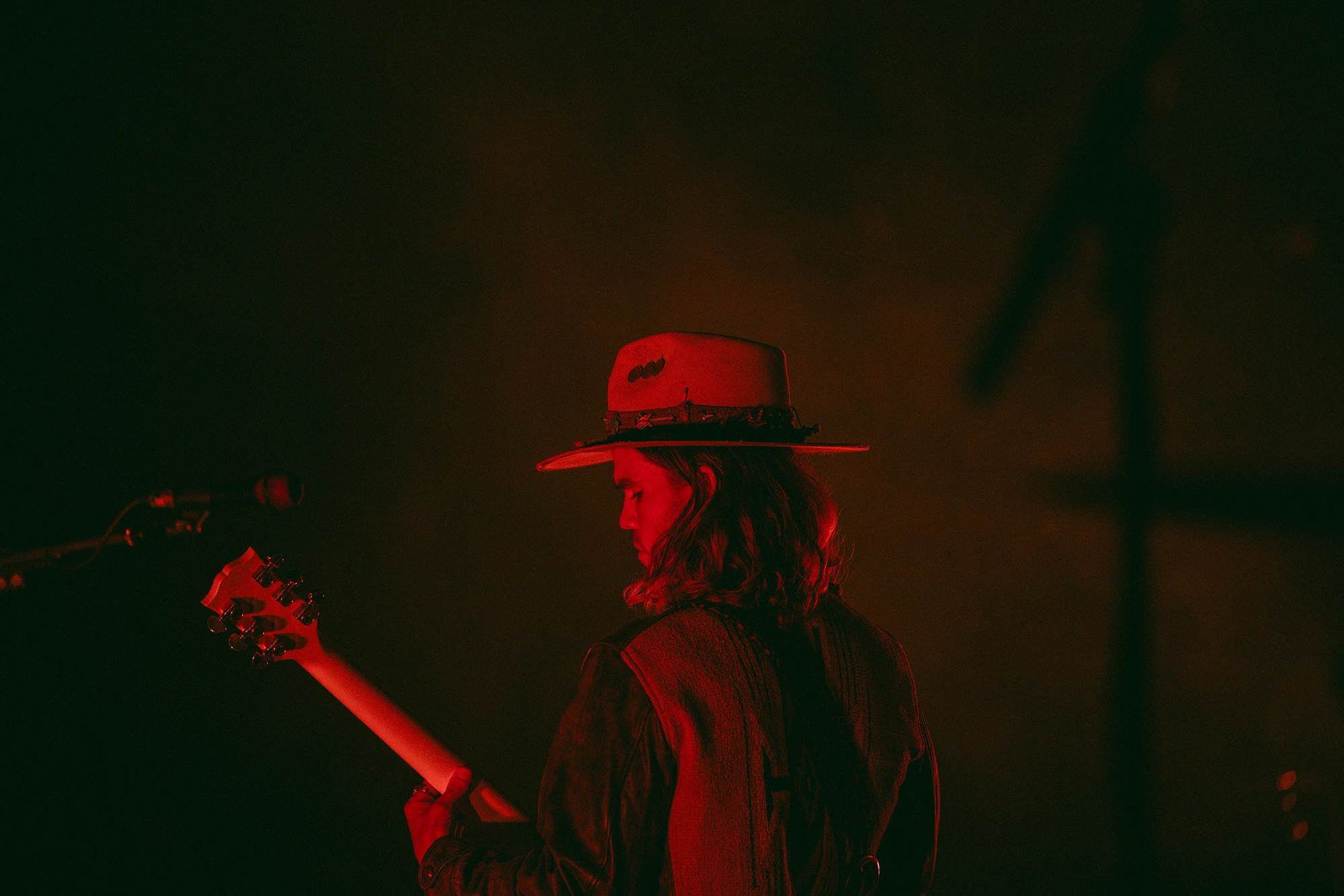
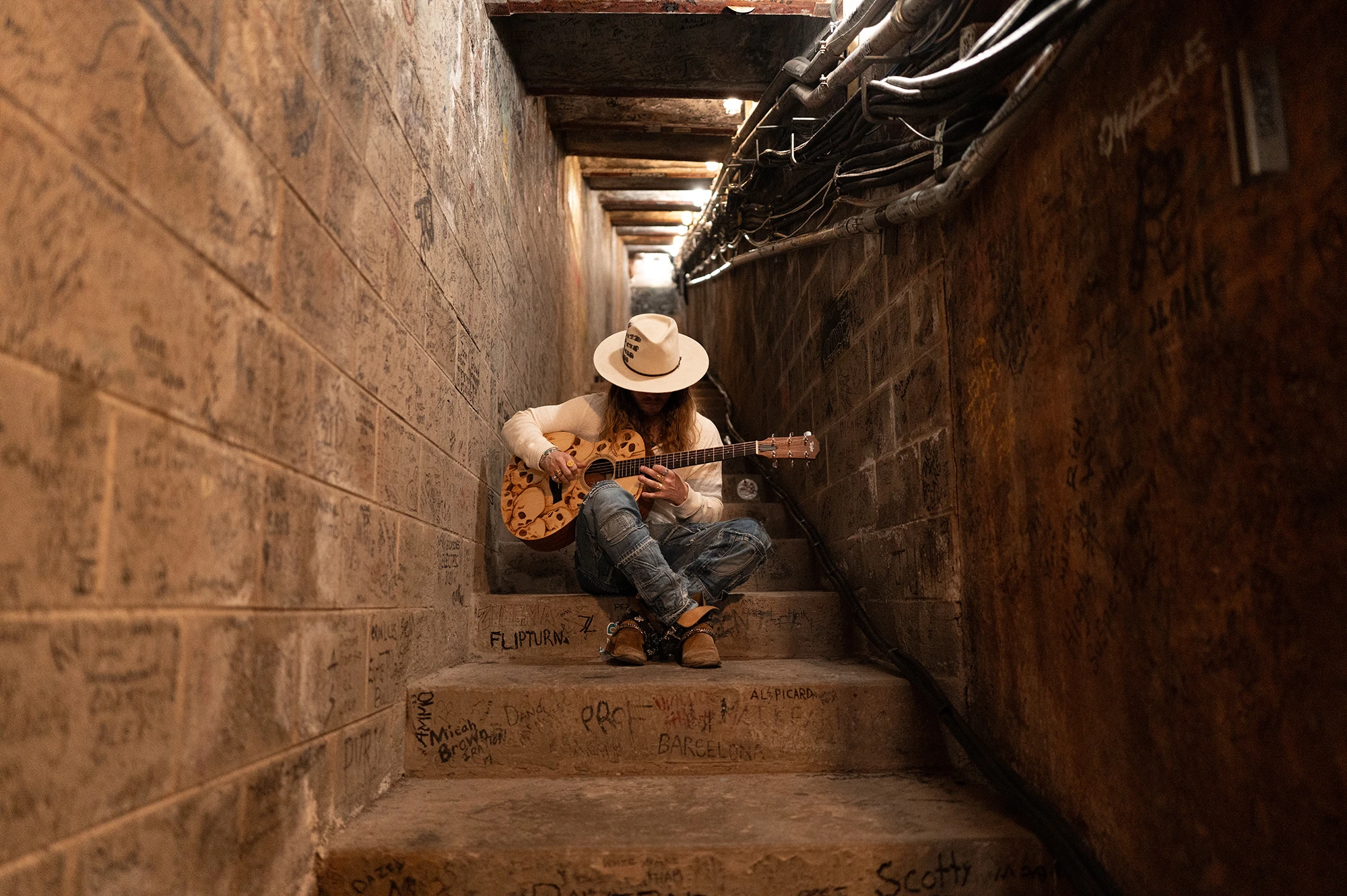
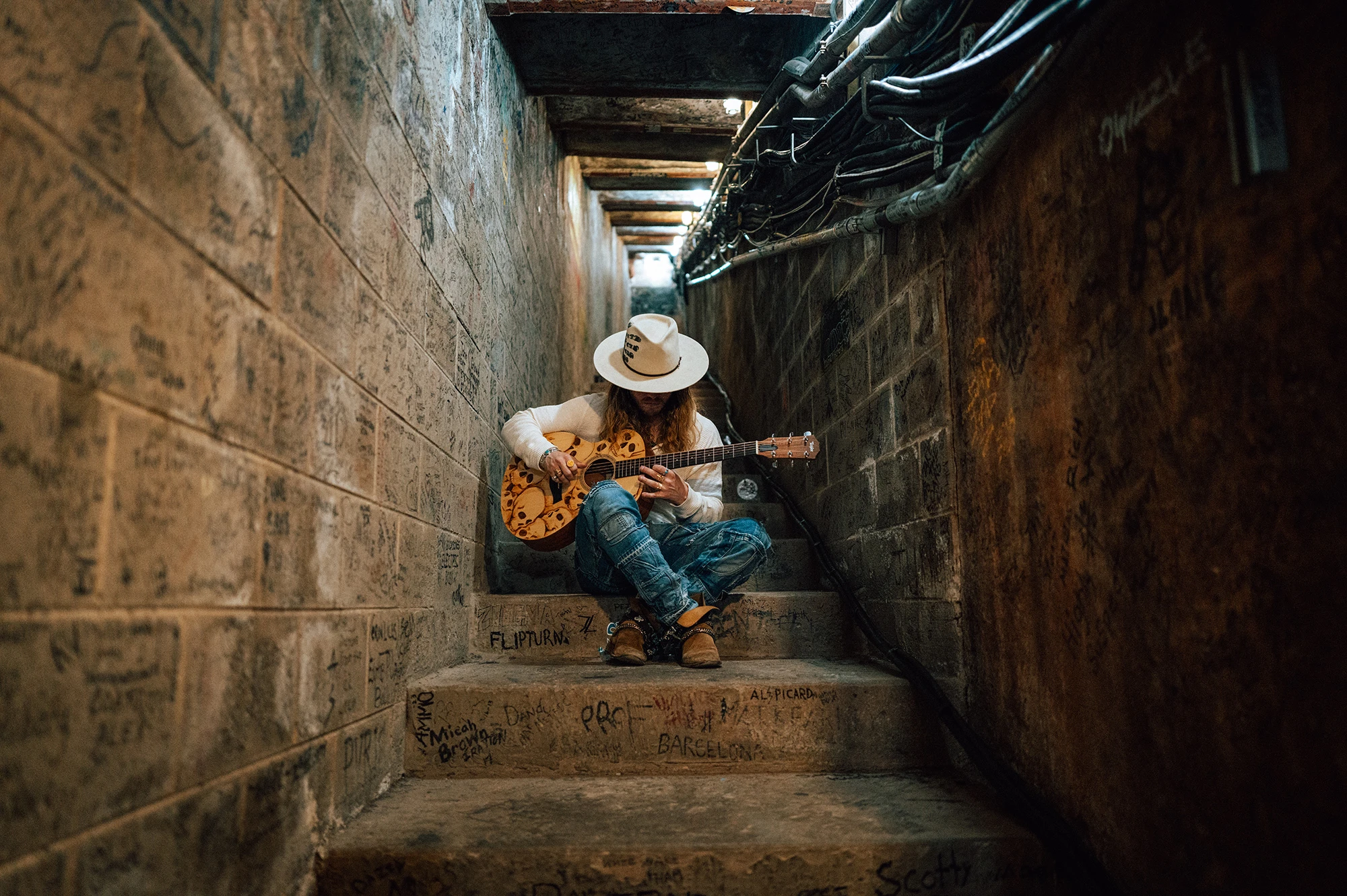
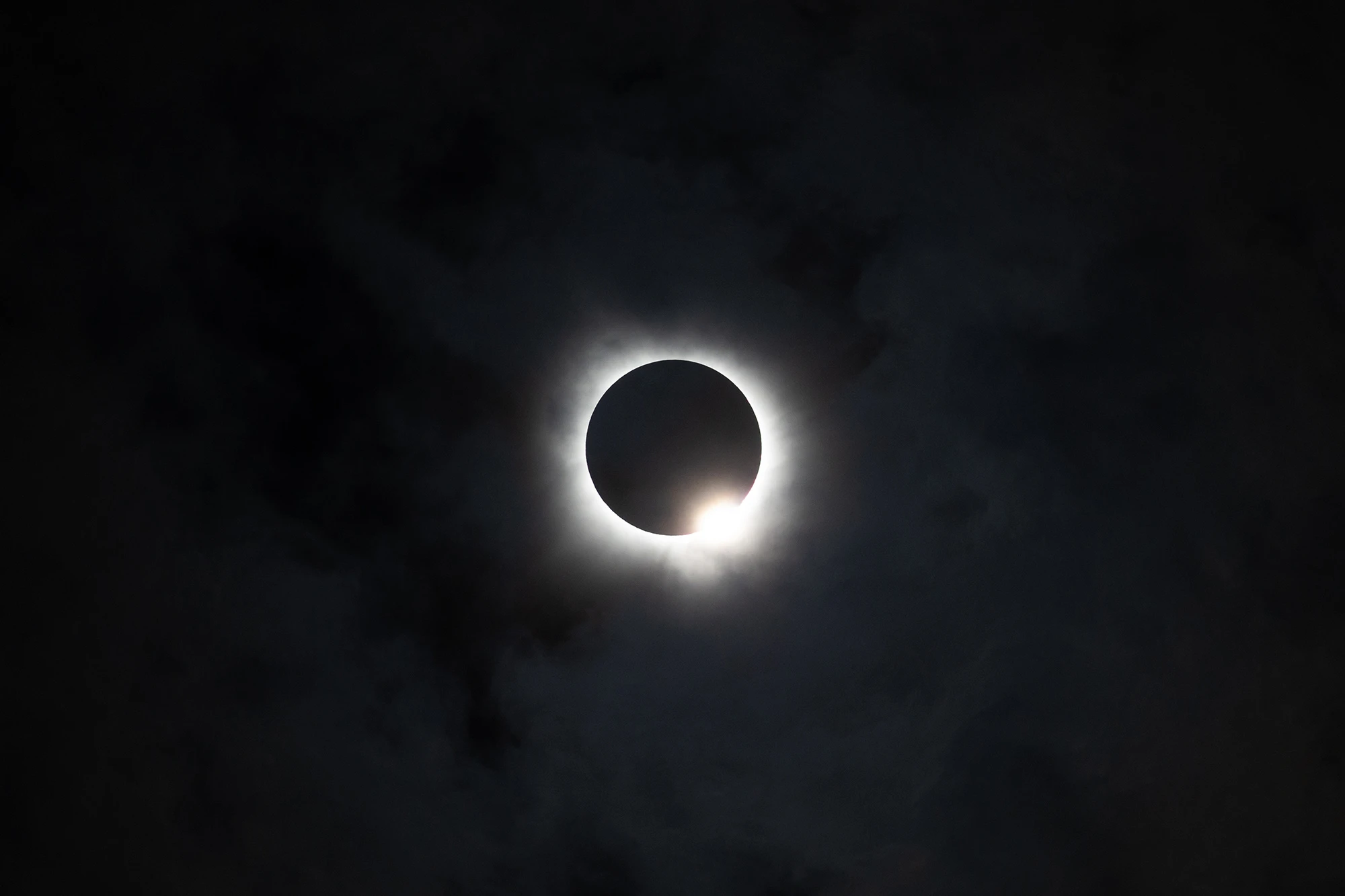
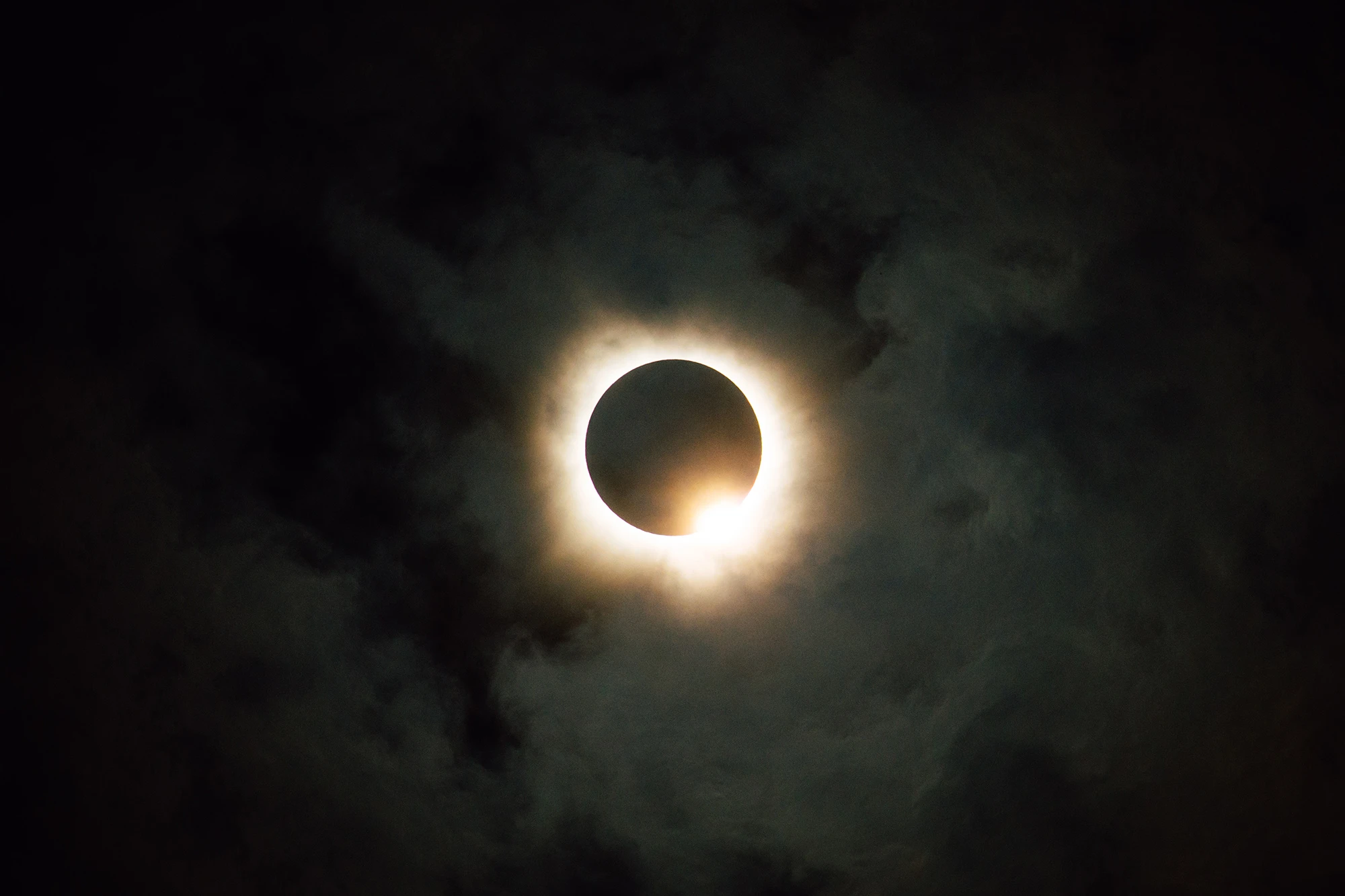
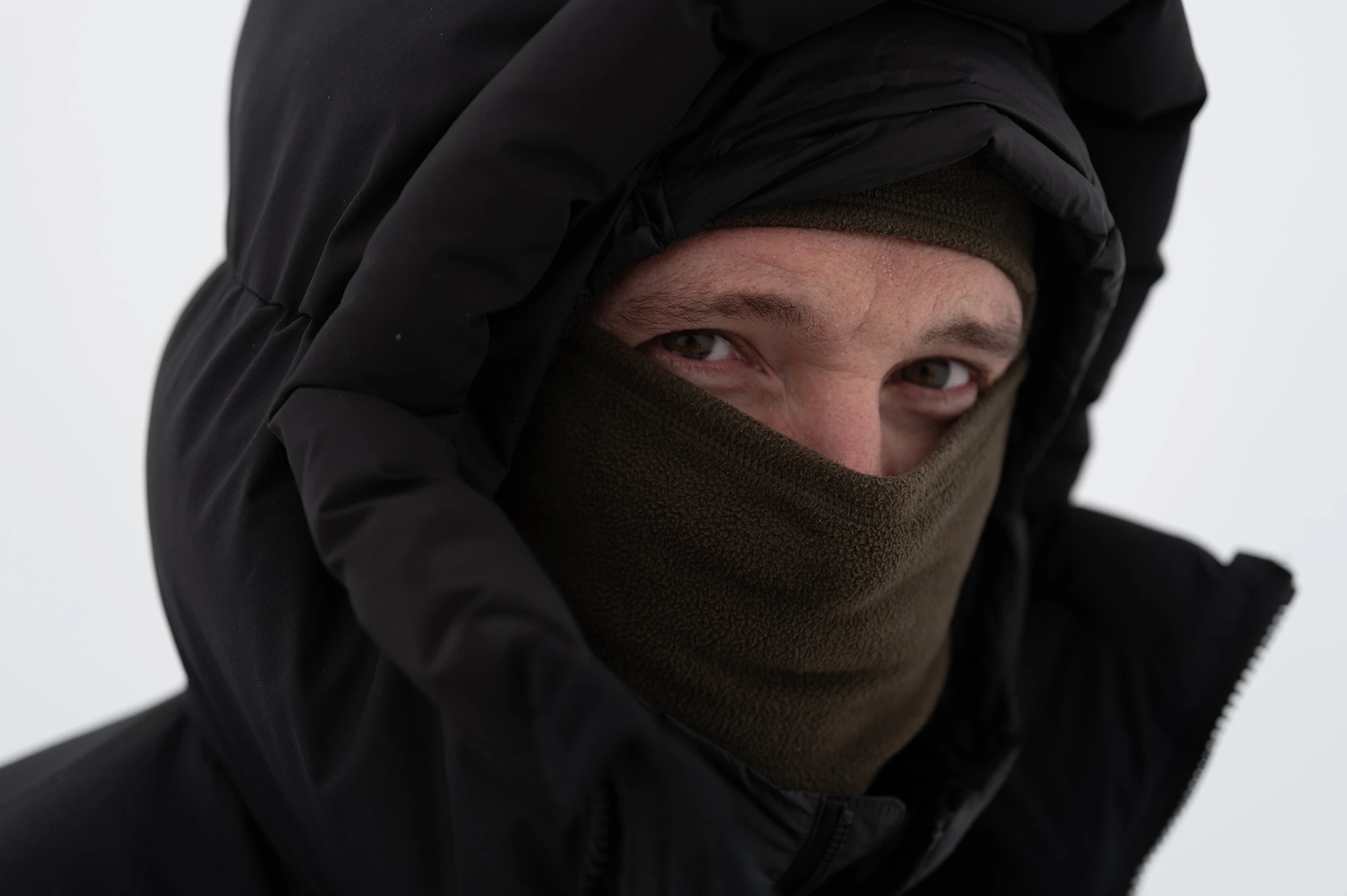
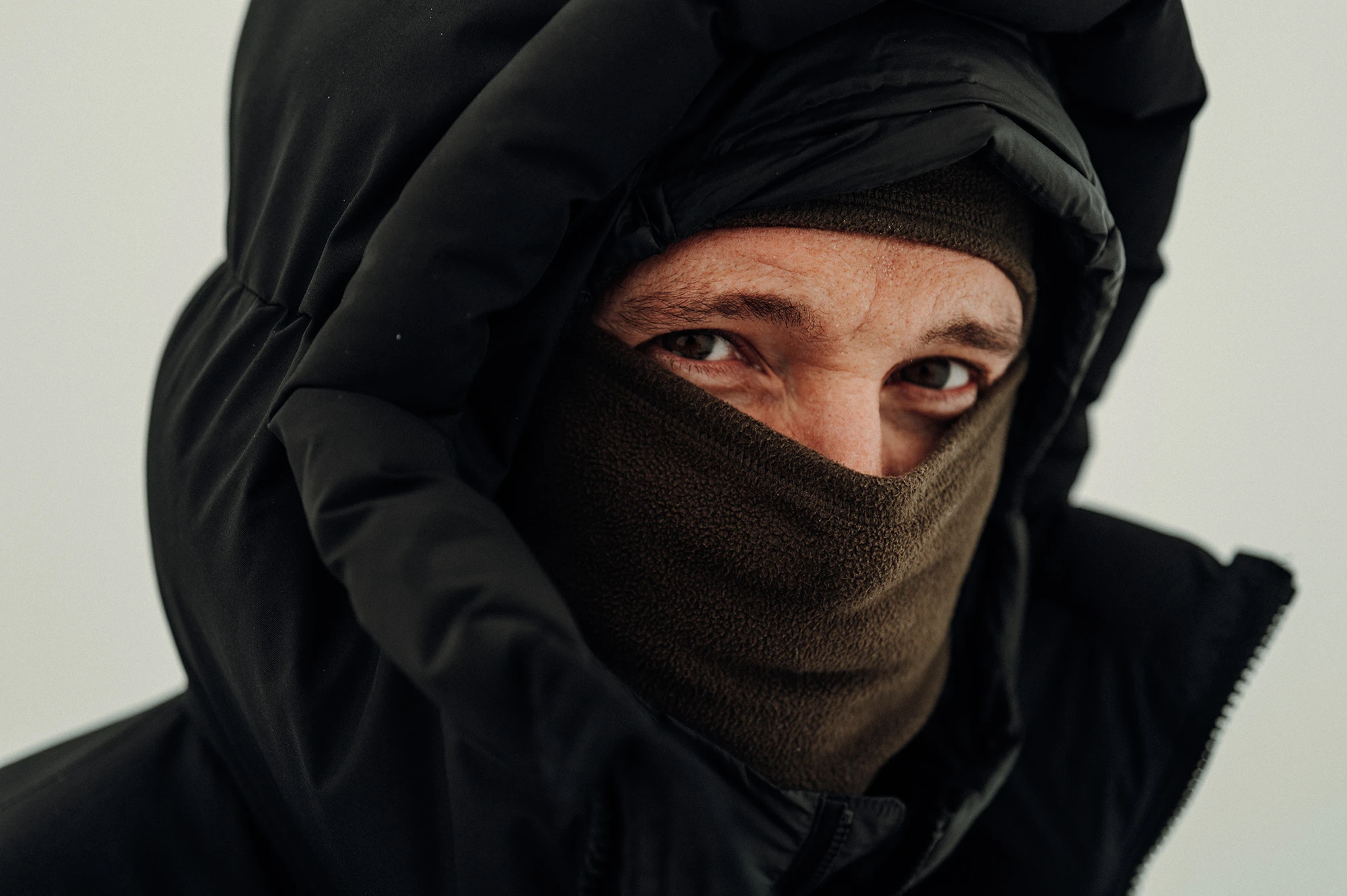
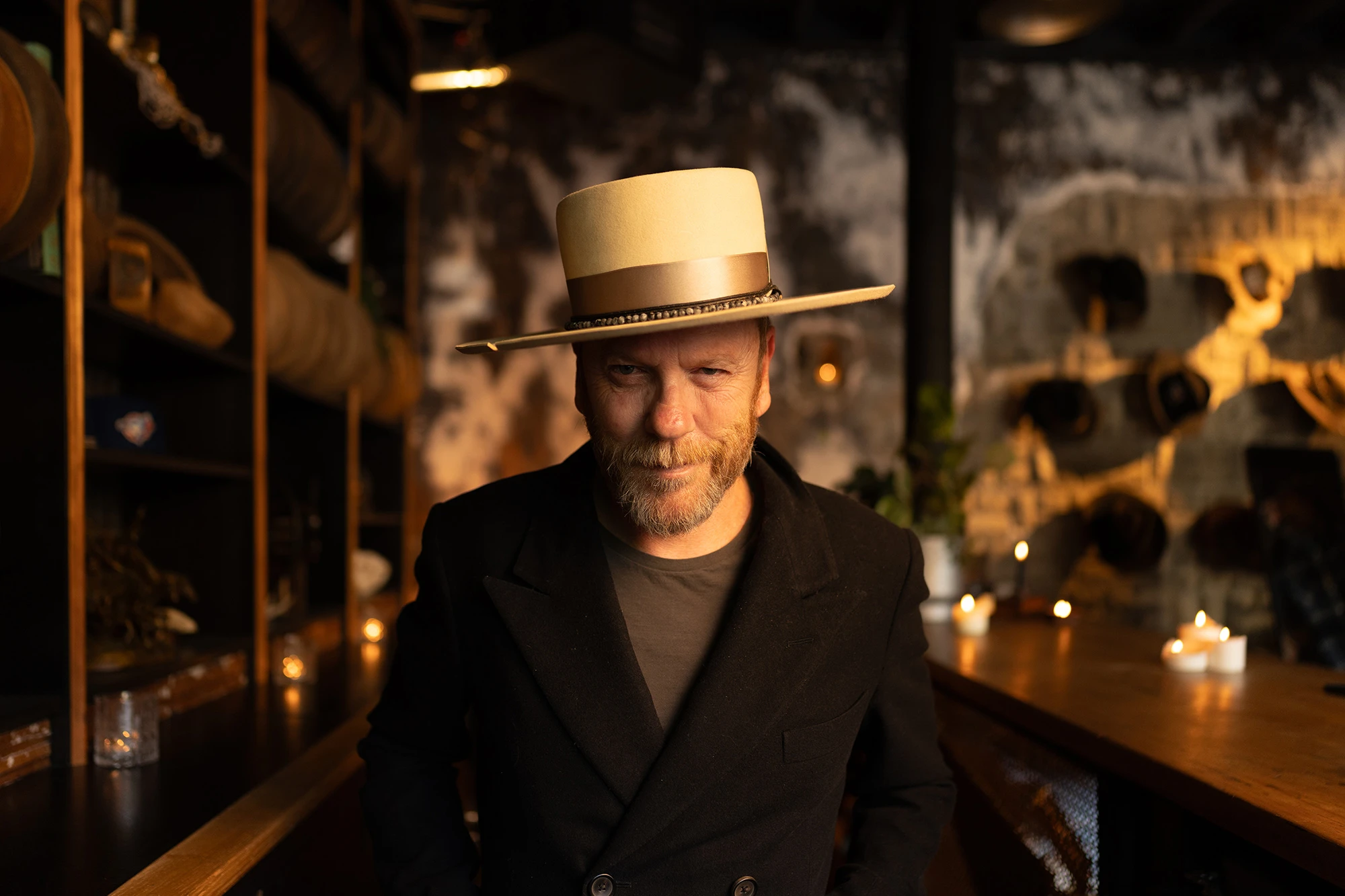
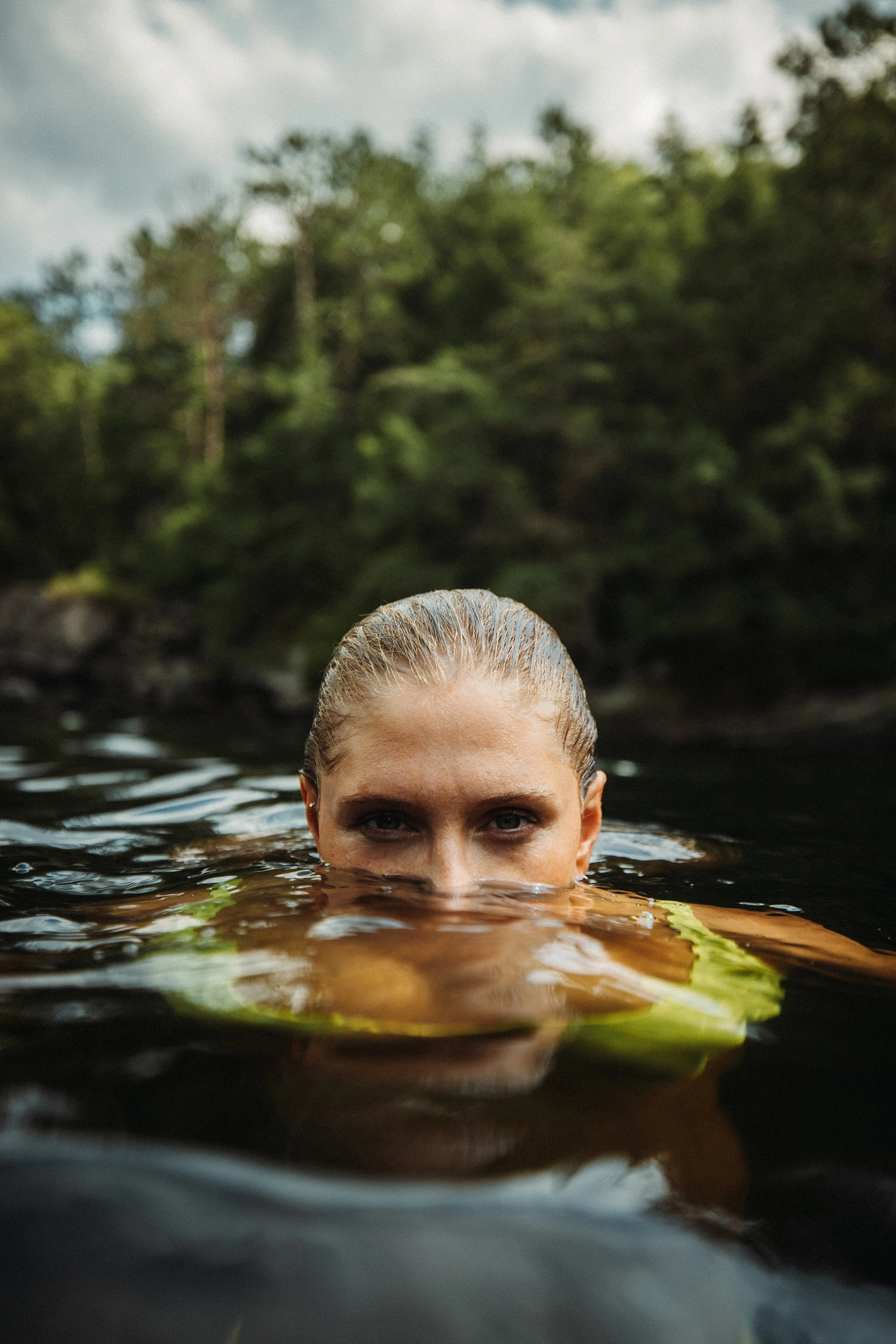
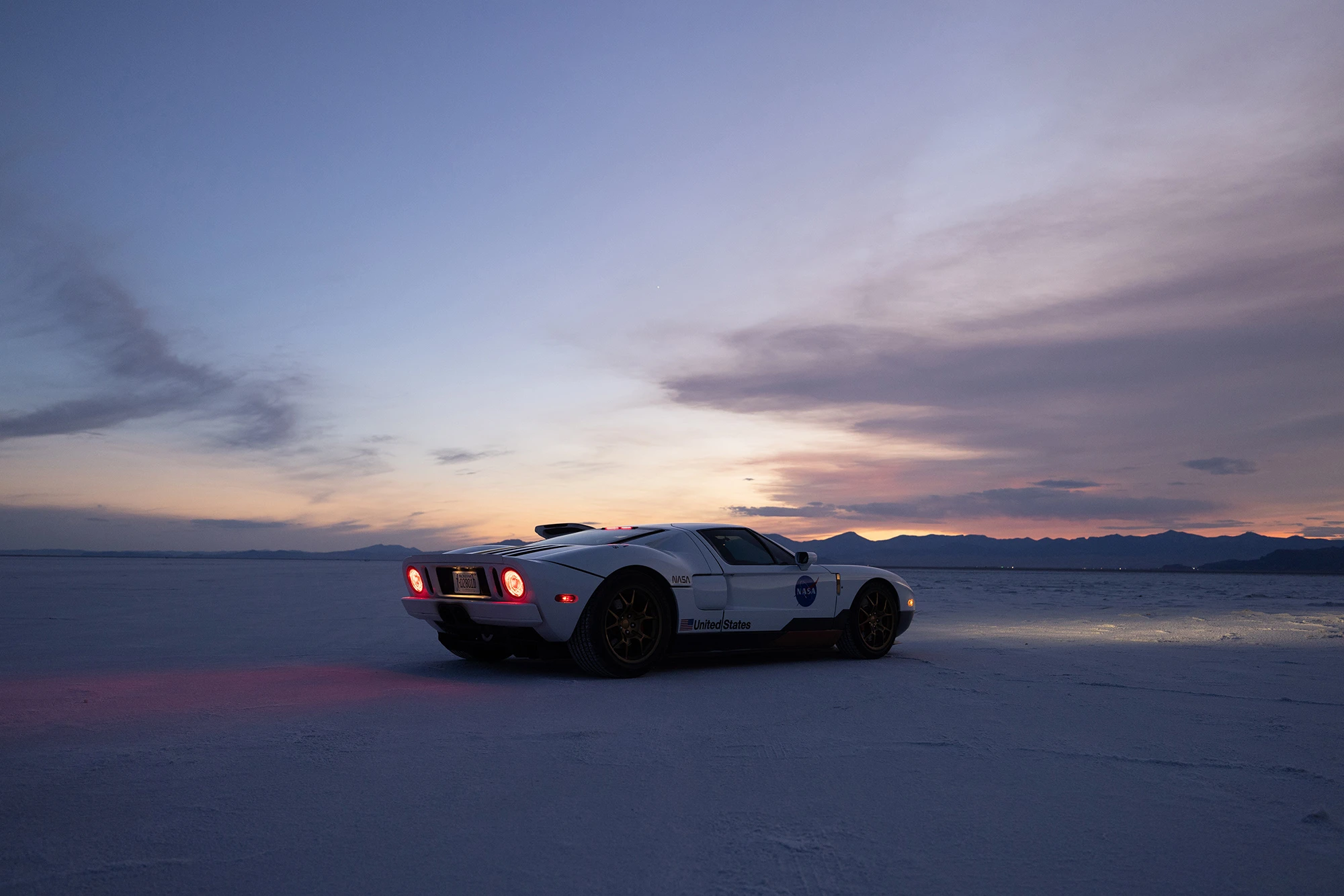
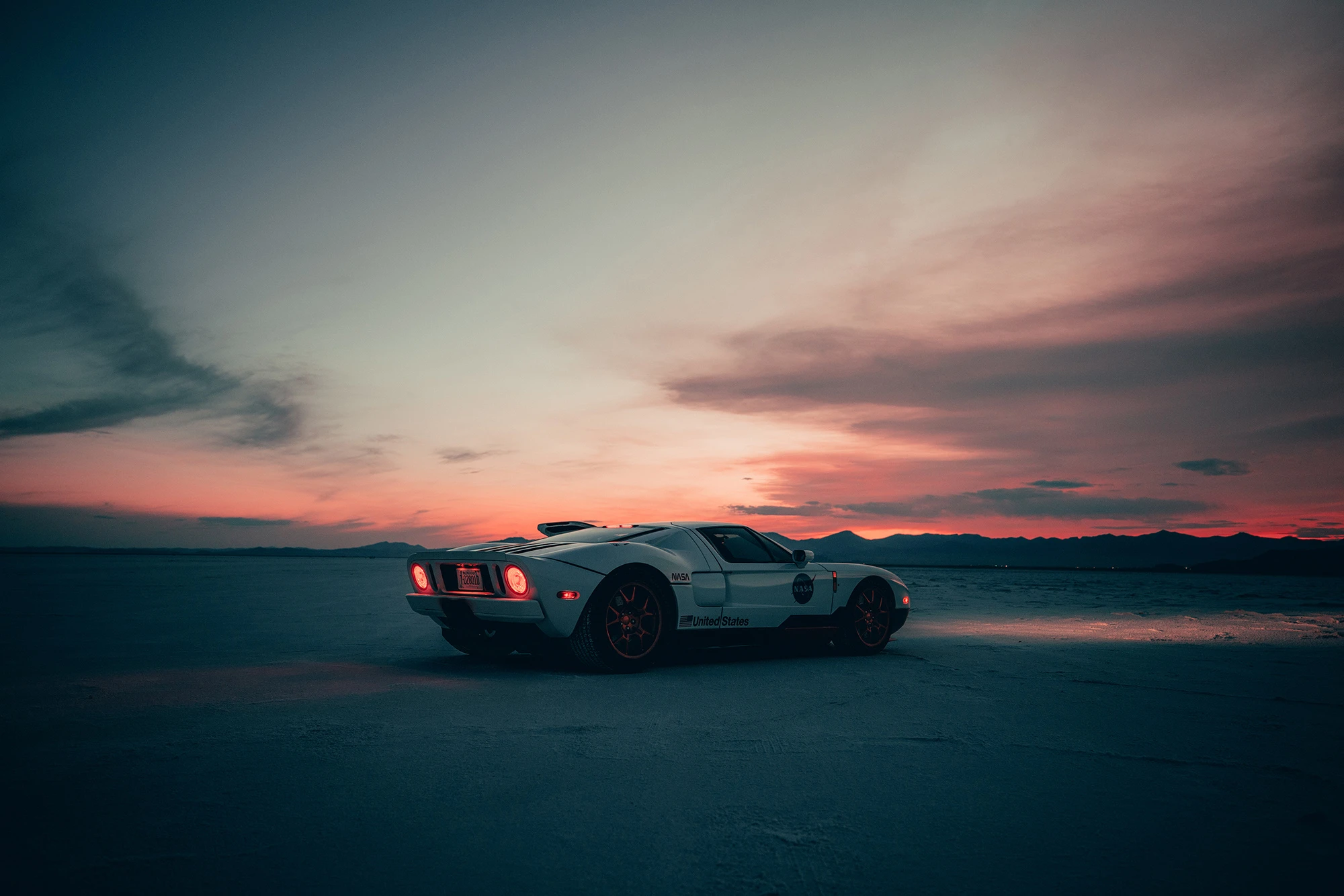
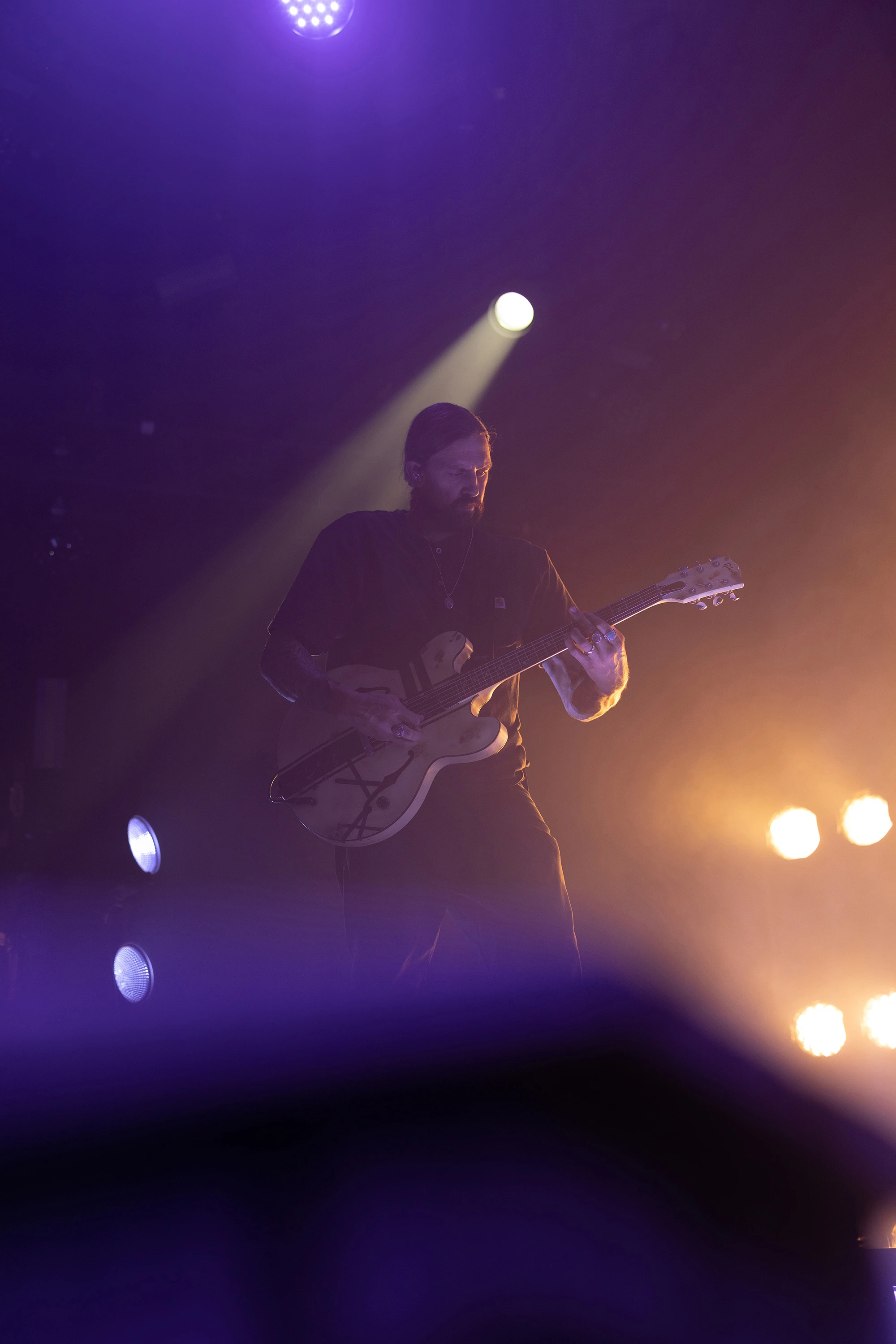
Install Instructions +
Extract the ZIP file (to your desktop computer, not to your phone).
Open Lightroom and go to the Presets section. Click on File > Import Profiles & Presets.
Select the presets ZIP file(s) and click Import. → Selecting the ZIP file.
Restart LR and your presets will now be listed in the Presets section.
When in doubt, also feel free to Google/YouTube it.
Install Video +
Watch the step-by-step installation video tutorial on YouTube.
Mobile FAQ's +
Install the presets on the desktop version of Lightroom CC first, then they will auto-sync into the Lightroom CC Mobile app.
BEFORE YOU BUY - PLEASE MAKE SURE YOU HAVE THE NEWEST UPDATE FOR ADOBE LIGHTROOM (7.5 OR HIGHER). We have just added support for older versions of lightroom which are included with the files when you purchase!
Zip file is sent shortly after purchase. Non refundable.
Download the files to your DESKTOP LR, NOT on your phone. LR will sync to your mobile app.
Purchased presets are not to be shared or resold in any manner.